1
This button appears only as at least one topic is defined. Push this
button to modify the settings for the selected topic.
This button appears only as at least one topic is defined. Push this
button to delete the selected topics.
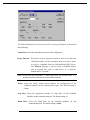
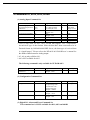
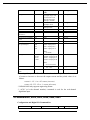
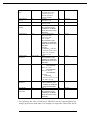
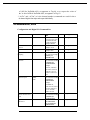
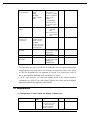
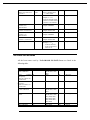
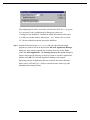
The following section shows the NuDAM Topic Definition dialog box and
gives the detailed description of each field:
Topic Name: This field is used to enter a Topic Name . (The same DDE Topic
Name is entered in the InTouch "DDE Access Name definition"
dialog box described in the section 3.1). The topic must be a
unique name that is matched by the DDE clients (for example
InTouch). Topic Name can be up to 32 characters long.
Comm Port: Associate the topic with a communication port (additional topics
may be associated with this same port at a later time).
Module Address: The address of the NuDAM mode configured. The valid
range of the module Address is from 0 to 255. The default
value is 1.
11