1
Web reports user manual_____________________
5 Selecting a merchant or a merchant group
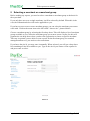
Before making any reports, you need to select a merchant or merchant group as the basis for
the report data.
If you only have access to a single merchant, it will be selected by default. When this is the
case, the information below will not be applicable to you.
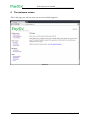
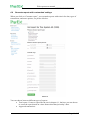
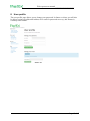
If you have access to one or more merchant groups, you can select the merchant you want to
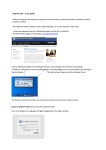
work with. Click on the menu item to the left called: “choose site”, pictured below.
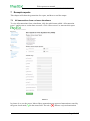
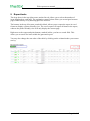
Choose a merchant group by selecting the first drop down. This will display a list of merchant
groups available to you. Select the merchant group you want to create a report for, this will
populate the site drop down where you have the opportunity to choose a specific merchant.
This step is optional, you are able to create reports for the merchant group, for terminal
management however, you need to select a merchant.
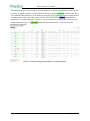
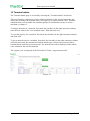
If you know the site id, you may enter it manually. When selected, you will get a drop down
list containing all site ids available to you. Type in the site id you want to create reports for
and press enter to select.
Picture 4
Page 7 of 17