1
Freescale Semiconductor, Inc.
SC_Assem.book Page 23 Thursday, September 23, 2004 10:44 AM
SC100 Assembler
Command-Line Options
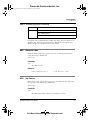
le
Specifies little-endian object files: the least significant byte occupies the lower
word address. This is the default.
be
Specifies big-endian object files: the most significant byte occupies the lower word
address.
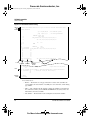
This first example uses the -o command-line option to specify big-endian mode:
asmsc100 -b -l -obe vit.asm
This second example uses the OPT directive, placed at the beginning of the source file, to
specify big-endian mode:
LAB1
opt sc140,be
page 132,42,0,0,0
macro args
...
Checking Programming Rules
The reference manual for each core explains the rules for grouping and sequencing
instructions in a variable length execution set (VLES). The assembler enforces static
programming rules, marking violations at assembly time. Assembly does not take place if
such errors exist.
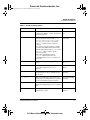
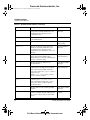
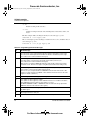
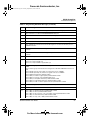
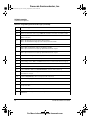
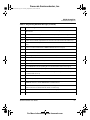
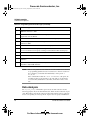
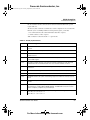
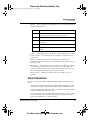
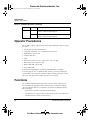
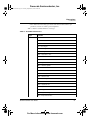
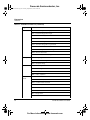
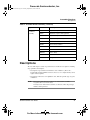
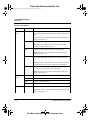
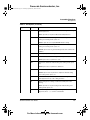
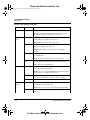
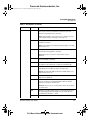
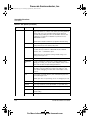
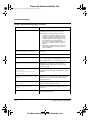
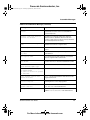
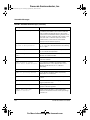
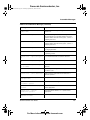
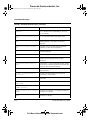
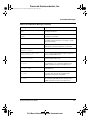
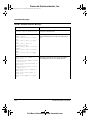
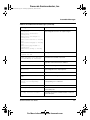
Table 2.4 lists rule identifiers and the text of associated error messages. Rule identifiers
begin actual error messages. For example, the identifier A.1 corresponds to Rule A.1 of
the SC140 Core Reference Manual.
NOTE
The assembler’s default setting for rule checking is OFF. But even with this
setting, the assembler checks restrictions G.G.1. G.G.2, G.G.3, G.P.1, and
L.G.5.
The default setting of previous assembler releases was that rule checking (or
restriction checking) was ON; you used the -suppress option to disable rule
checking. The -s option replaces the -suppress option.
Use these -s option patterns to control rule checking:
-s id[,id]
Enables checking for violations of specified rules; id values are rule identifiers,
without period or other characters. Commas without spaces must separate multiple
id arguments. Neither the -s option nor the id arguments are case sensitive.
Table 2.4 lists valid id values.
SC100 Assembler User Guide
For More Information: www.freescale.com
23