1
StuckyNet-Link User Manual
Uploading Files
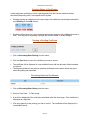
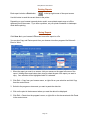
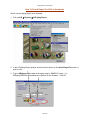
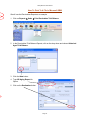
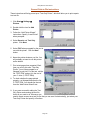
1. Click on Upload Files from the StuckyNet menu.
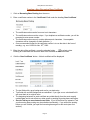
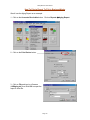
2. Click on the Browse button to the right of the type of file you will upload.
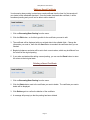
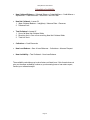
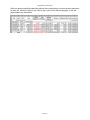
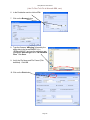
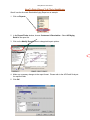
3. In the Look in box, click on the drive or
folder containing the file.
4. Highlight the file you want to upload and
click Open.
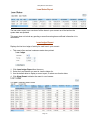
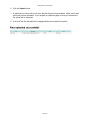
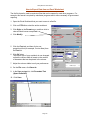
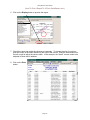
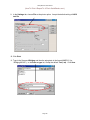
5. The filename will appear in the field of
the file type. In the sample below, an
A/R Aging file will be uploaded to the
system.
Page 14