1
PSB-1000 Series User Manual
COMMUNICATION
INTERFACE
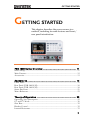
This chapter describes basic configuration of
IEEE488.2 based remote control. For a command
list, refer to the programming manual,
downloadable from GW Instek website,
www.gwinstek.com
Note
If the instrument is remotely controlled via the
USB/LAN/GPIB interface, the remote panel lock is
automatically enabled. Press the Main/Local key on the
front panel to return to local control.
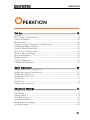
Interface Configuration .................................................. 167
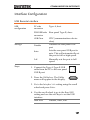
USB Remote Interface .......................................................................................... 167
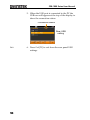
USB Remote Control Function Check ............................................................... 169
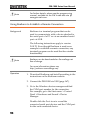
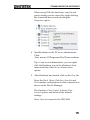
Using Realterm to Establish a Remote Connection.......................................... 170
Configure GPIB Interface - Optional ................................................................. 173
GPIB Function Check .......................................................................................... 175
Configure Ethernet Connection .......................................................................... 178
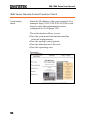
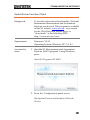
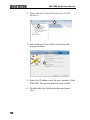
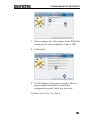
Web Server Remote Control Function Check ................................................... 180
166