1
SoundSens User Guide
Leak Localisation and correlation
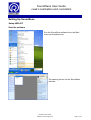
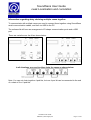
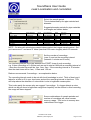
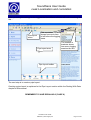
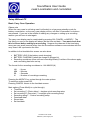
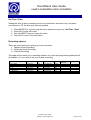
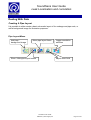
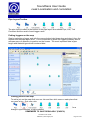
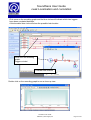
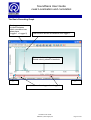
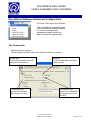
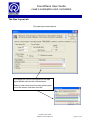
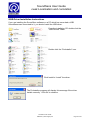
Pipe Layout Toolbar
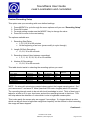
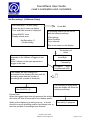
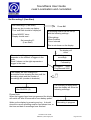
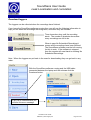
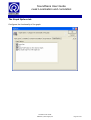
The pipe layout toolbar at the bottom of the pipe layout area shows Pipe, Join, Text
Comment and the serial of each logger used.
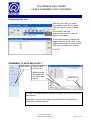
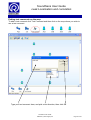
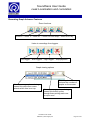
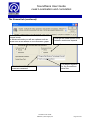
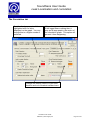
Putting loggers on the map
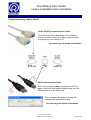
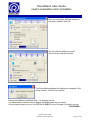
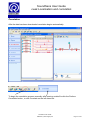
Start by selecting a logger and with the mouse button held down drag and drop it from the
toolbar onto the pipe layout area. It is not important to place the loggers precisely as the
software pays no attention to position on the screen. The most important data is pipe
length and material type which is entered later.
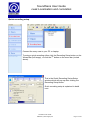
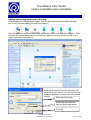
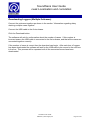
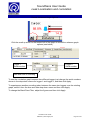
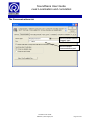
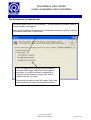
Putting joins on the map
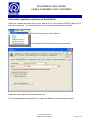
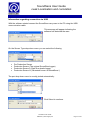
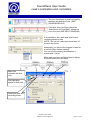
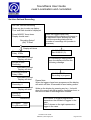
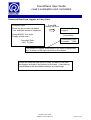
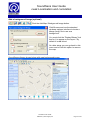
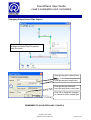
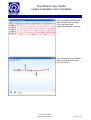
To add a join on the map click once on Join and then click once on each place that
you need a join. Only use a join
for a
change in pipe direction, or pipe material.
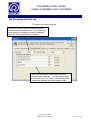
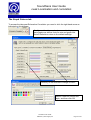
REMEMBER TO SAVE REGULARLY (PAGE 8)
SoundSens User Guide
©Radcom (Technologies) Ltd
Page 35 of 63