1
User’s Guide
Paper and Media Handling
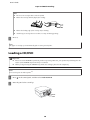
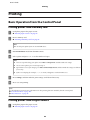
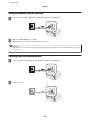
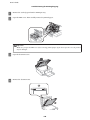
Removing a CD/DVD
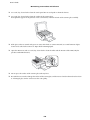
A
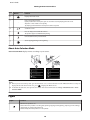
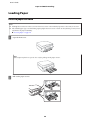
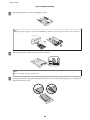
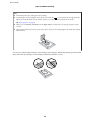
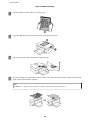
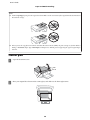
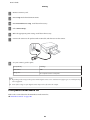
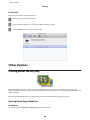
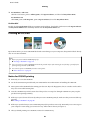
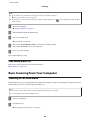
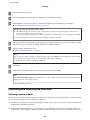
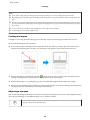
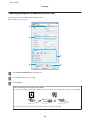
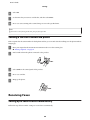
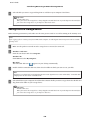
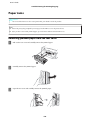
Remove the CD/DVD tray from the product, and then remove your CD/DVD from the tray.
!Caution:
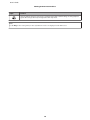
Be careful not to scratch the surface of the CD/DVD when removing it.
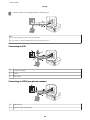
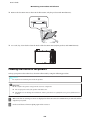
B
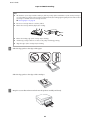
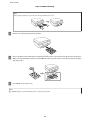
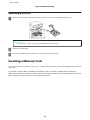
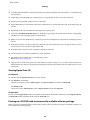
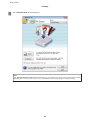
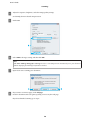
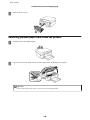
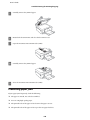
Lower the control panel.
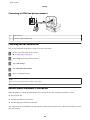
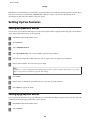
C
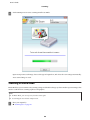
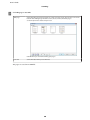
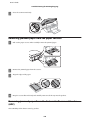
Insert the CD/DVD tray back into the slot on the bottom of the product.
Inserting a Memory Card
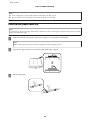
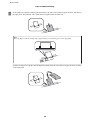
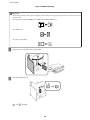
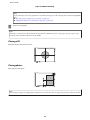
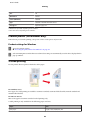
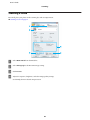
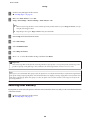
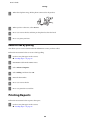
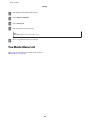
You can print photos in a memory card or save a scanned data in a memory card. The following memory cards are
supported.
SD, miniSD, microSD, SDHC, miniSDHC, microSDHC, SDXC, microSDXC, MultiMediaCard, MMCplus,
MMCmobile, MMCmicro, Memory Stick Duo, Memory Stick PRO Duo, Memory Stick PRO-HG Duo, Memory Stick
Micro, MagicGate Memory Stick Duo, CompactFlash, Microdrive
32