1
User’s Guide
More Functions
Menu
Functions
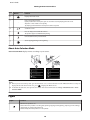
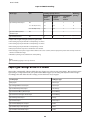
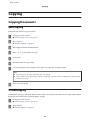
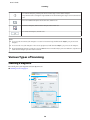
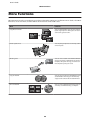
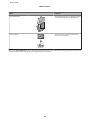
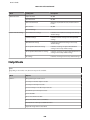
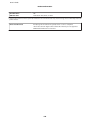
Print Ruled Papers
You can print ruled paper or graph paper with
or without a photo set as the background.
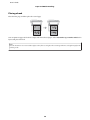
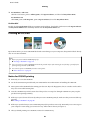
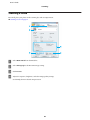
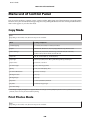
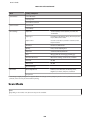
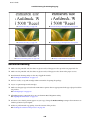
Coloring Book*
You can create a coloring sheet from your
photos or line drawings.
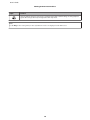
* Only use the Coloring Book function for drawings and pictures that you created yourself. When using copyrighted materials, make
sure you stay within the range of laws governing printing for personal use.
99