1
SedEvent User Manual
Chapter 5 Installing the system at the site
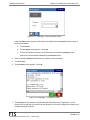
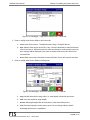
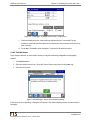
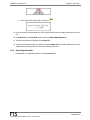
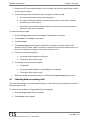
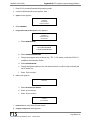
k. The Stage Sensor screen reappears with the updated Stage Offset value.
l.
Deselect the Polled check box.
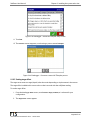
5.15.8 Configuring telemetry
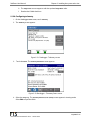
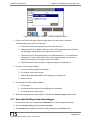
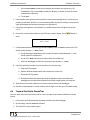
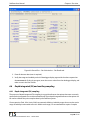
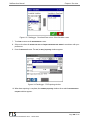
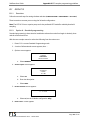
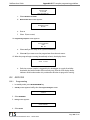
1. On the datalogger Home screen, touch Telemetry.
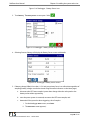
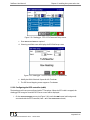
2. The Telemetry screen appears.
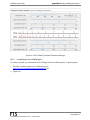
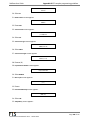
Figure 5-51: Datalogger - Telemetry screen
3.
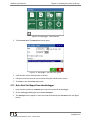
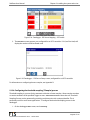
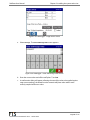
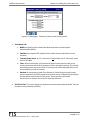
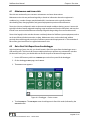
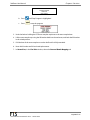
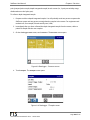
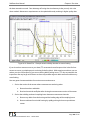
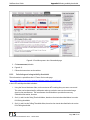
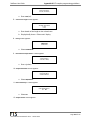
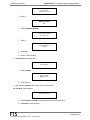
Touch the Status. The Telemetry A G5 Status screen appears.
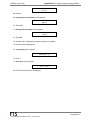
Figure 5-52: Datalogger – Telemetry Status screen
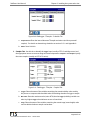
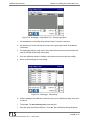
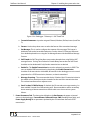
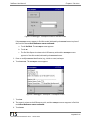
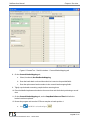
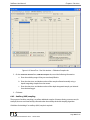
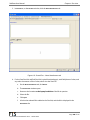
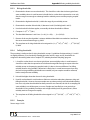
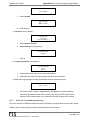
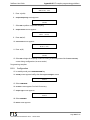
4. Select the Setup cog. The Telemetry A G5-CS1 (or CS-2) Setup screen appears in viewing mode.
Select Edit to input the fields.
Page 80 of 170
700-SedEvent User Manual Rev 2 – 18 Dec 2014