1
On-Net Surveillance Systems, Inc.
Ocularis Client
Views
Creating Views and View Groups
Views may be created within Ocularis Client Lite or the Ocularis Administrator application. Instructions on
creating views in Ocularis Client are discussed below. Ocularis Client users will not have access to this
portion of the application.
1.
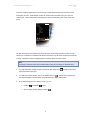
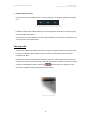
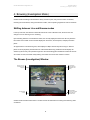
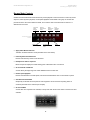
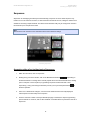
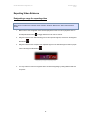
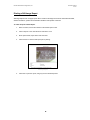
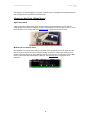
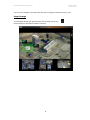
Click on the Setup Utility icon, located on the right-hand side of the menu bar. The icon will appear
when hovering over it.
The Setup icon
Note:
Access to the Setup utility can be limited to authorized users by changing their privileges in the
NVR’s Image Server Administrator utility.
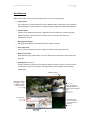
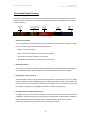
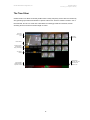
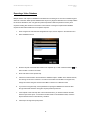
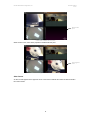
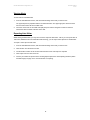
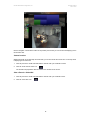
Shared and private Views
General View controls
View Panes
Cameras and inputs
Properties for each type
of input/element
The Ocularis Client Lite Setup Utility (1+5 view)
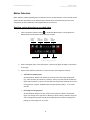
2.
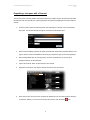
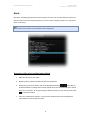
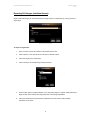
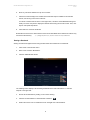
The View Setup/Editing utility is displayed:
7