1
Chapter 5
5-40
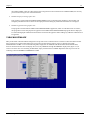
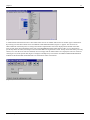
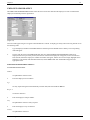
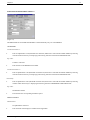
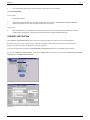
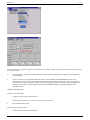
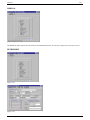
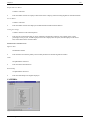
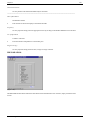
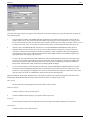
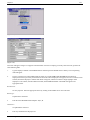
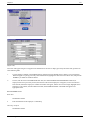
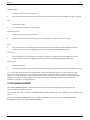
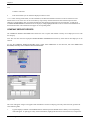
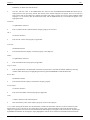
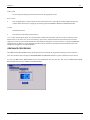
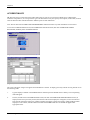
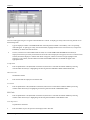
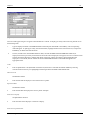
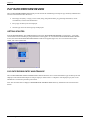
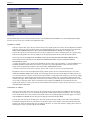
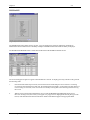
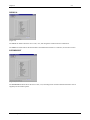
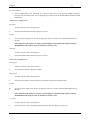
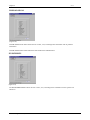
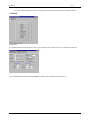
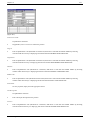
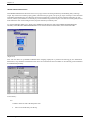
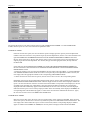
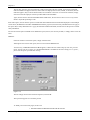
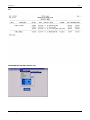
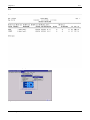
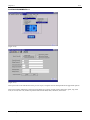
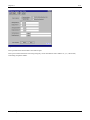
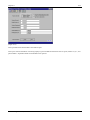
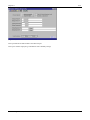
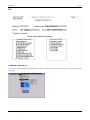
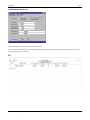
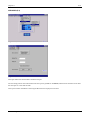
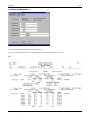
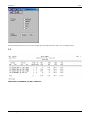
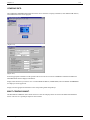
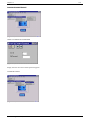
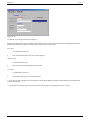
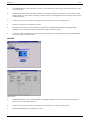
(Figure 5.35)
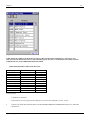
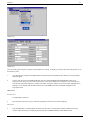
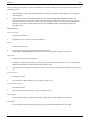
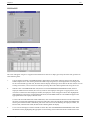
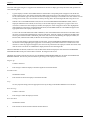
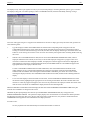
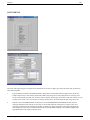
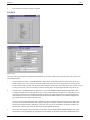
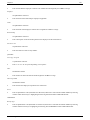
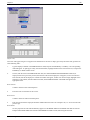
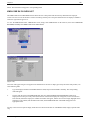
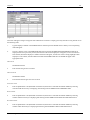
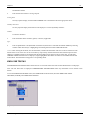
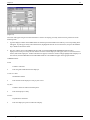
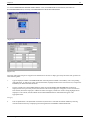
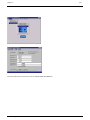
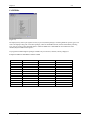
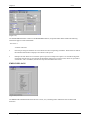
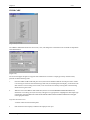
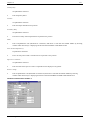
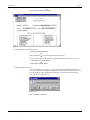
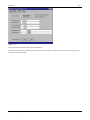
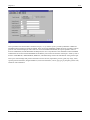
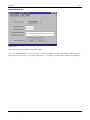
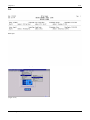
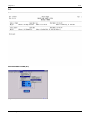
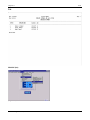
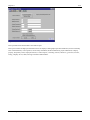
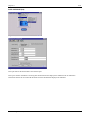
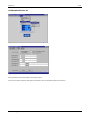
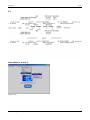
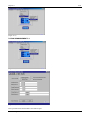
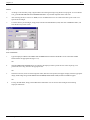
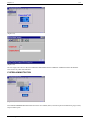
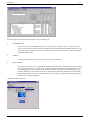
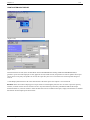
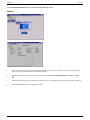
(Figure 5.36)
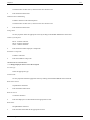
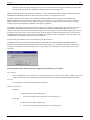
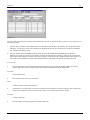
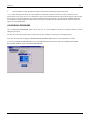
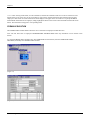
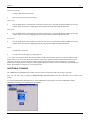
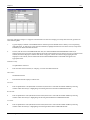
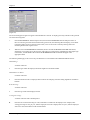
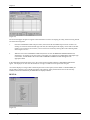
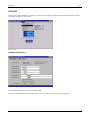
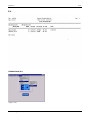
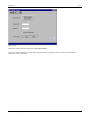
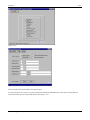
The screen will appear as figure 5.36 appears until information is entered. To display previously entered records, perform one
of the following tasks:
1.
Type the employee number in the EMPLOYEE NO. field, and press the ENTER key or TAB key. The corresponding
name will appear. To pull-up previously entered information, highlight the desired record in the list box, and press the
ENTER key or double with the mouse.
2.
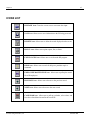
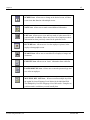
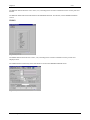
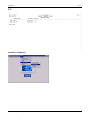
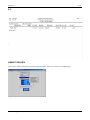
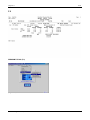
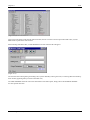
The user, with the cursor in the EMPLOYEE NO. field, can click the EMPLOYEE MASTER FILE ICON and, if
employees have been previously entered, than the list of the entered employees will appear, but if no records have
been entered, than all the employees’ numbers and names will appear, and the user needs to simply highlight which
employee is to be entered, click the EXECUTE ICON, and the EMPLOYEE NO. and NAME will appear in the
appropriate fields.
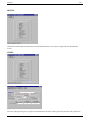
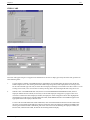
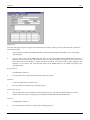
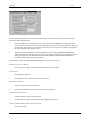
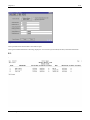
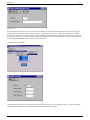
Book Amount
5 numeric characters with 2 decimal places.
•
Enter the total cost of books for this course.
Book Factor
3 numeric characters with two decimal places.
•
Enter the percent that the employee should be reimbursed for the book cost. Examples: 100, 75. No need to enter the
percent sign.
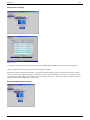
Book Reimb.
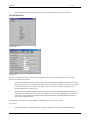
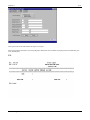
No entry required. The total will automatically appear once the BOOK AMOUNT and BOOK FACTOR are entered.
Example: If the BOOK AMOUNT is $20.00 and the BOOK FACTOR is 100.00, then the figure 20.00 will
Essential Integrated Data, Ltd.
Essential*HR