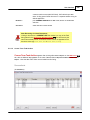
Download 1 - Mindspark Inc
Transcript
264
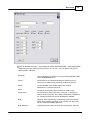
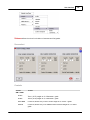
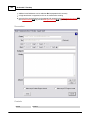
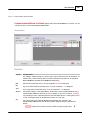
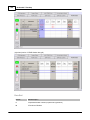
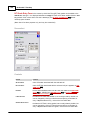
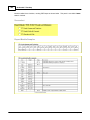
Grades2Go™ Desktop
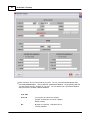
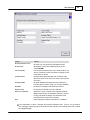
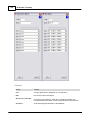
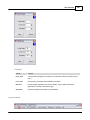
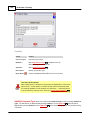
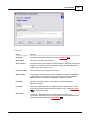
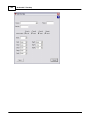
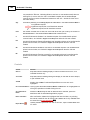
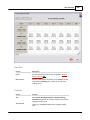
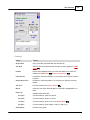
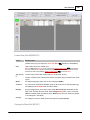
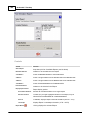
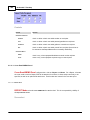
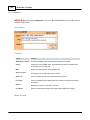
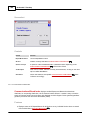
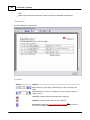
Control
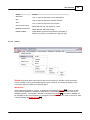
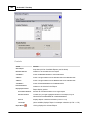
Function
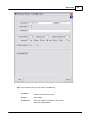
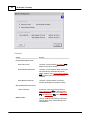
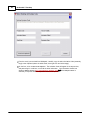
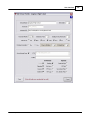
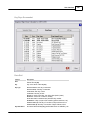
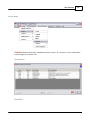
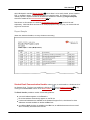
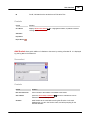
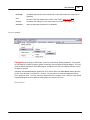
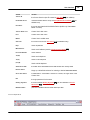
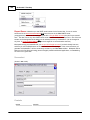
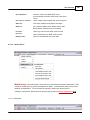
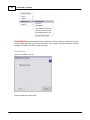
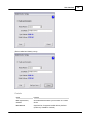
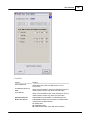
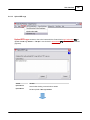
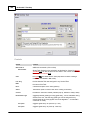
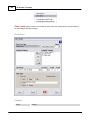
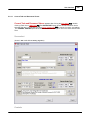
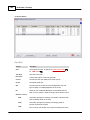
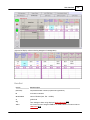
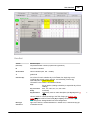
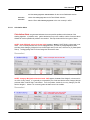
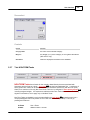
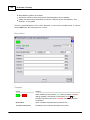
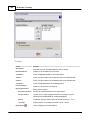
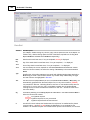
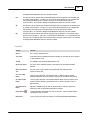
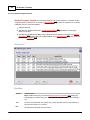
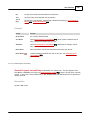
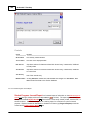
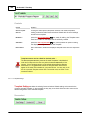
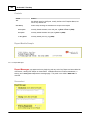
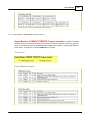
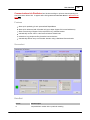
ARCHIVE INFO Panel
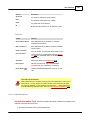
same as Archive
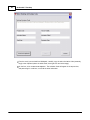
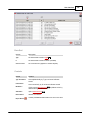
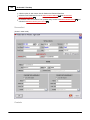
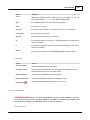
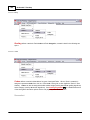
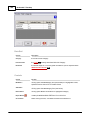
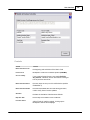
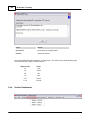
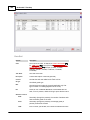
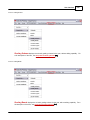
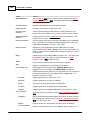
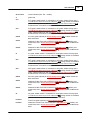
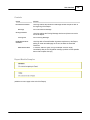
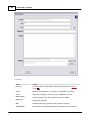
Assg Date Selector
drop-down date selector for date Task was assigned
Due Date Selector
drop-down date selector for date Task is due
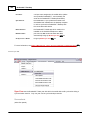
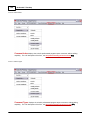
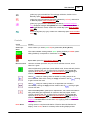
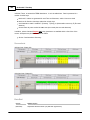
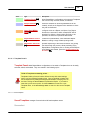
Not yet assigned
Checkbox
checking removes Assg and Due dates from Task (allowed only if no
grades exist); Task remains on list with NOT YET ASSG in dates columns
Exclude task/grades
Checkbox
checking removes Task from grades calculation for all students; Task
remains on List, but with a strikethrough
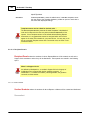
Extra Cred Checkbox
checking makes Task extra and optional; adds [EC] in front of Task Nam e
on List; grade to be calculated into student average like any other Task
(unless Bonus Checkbox is checked — see below)
Bonus Checkbox
available only with PC Algorithm and only if Extra Cred is checked;
selection places BONUS label in Eff Wgt column of List; earned points are
added to a student's accumulated total, but maximum points for a Term
is not affected
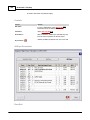
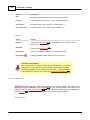
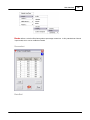
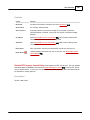
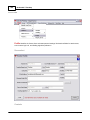
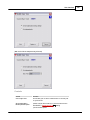
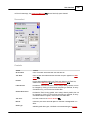
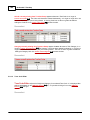
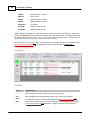
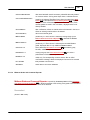
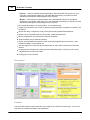
Weight
relative weight of Task in WO and WC (not visible in PC — but shown here
for explanation purposes); value for current Term is set via TERM
Calculation Schem e 293 for Task Code type
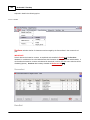
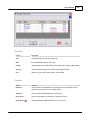
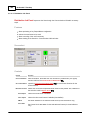
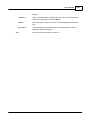
Graded
number of items graded to date in current Section and Term
Avg%
average of all Graded items for all students in the Section
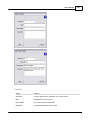
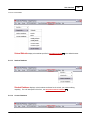
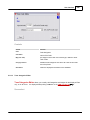
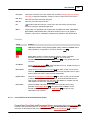
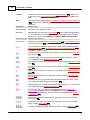
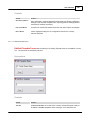
Current Grade Type
default grade type during grade entry; ARCHIVE INFO default is
suggested but can be changed for CURRENT USE; this default is
suggested during actual grade entry, but any grade type can be assigned
to any entered grade at any time (applies even to PC Algorithm — an
automatic conversion is made)
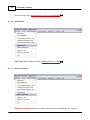
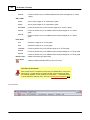
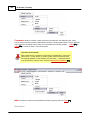
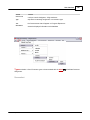
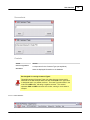
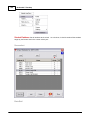
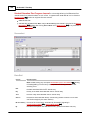
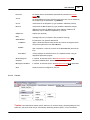
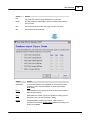
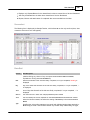
195 display, but without editing capability (see Archive
Task and Docum ent View er 197 for description); Master Doc View Button is
functional (Create is disabled)
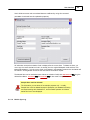
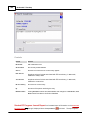
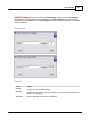
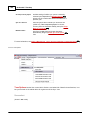
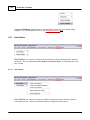
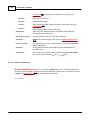
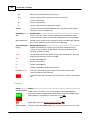
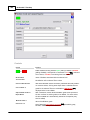
Pct Option
suggests grade entry as a percent (0 - 100)
Pts Option
suggests grade entry as points (0 - Max Pts )
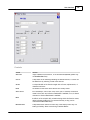
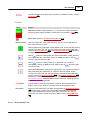
Max Pts
sets maximum points (if Pts Option or PC Algorithm )
Ltr Option
suggests grade entry as a letter type (Grading Bands)
P/F Option
suggests grade entry as Pass or Fail (100% or 0%, Max Pts or 0 Pts)
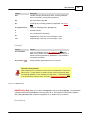
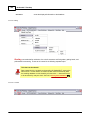
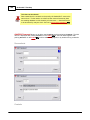
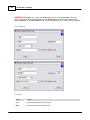
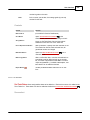
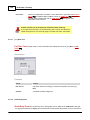
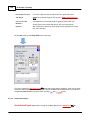
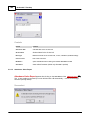
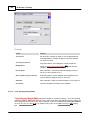
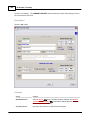
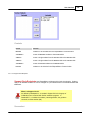
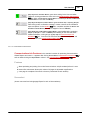
Current Doc Path
name and location of a linked document (Section Task Docum ents Folder
253 )
Link Button
opens a folder/file selector dialog window to locate an existing document
and automatically creates a copy for the Section Task Docum ents Folder
253 ; link finalized upon Save
X Button
removes the link to a document link (document itself not affected)
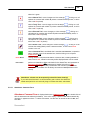
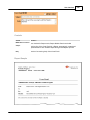
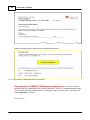
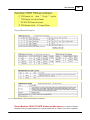
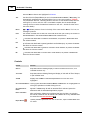
Create/View Button
Create : clicking offers to link to a copy of Master Doc (if it exists), or to
© 2012 Mindspark Inc