1
User Interface
251
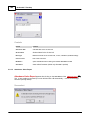
name. All settings will be saved to the new Job Type .
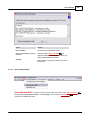
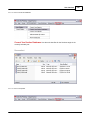
5.5.1.5.3 Communications Wizard Index
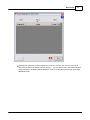
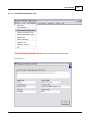
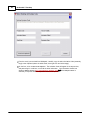
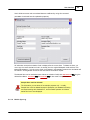
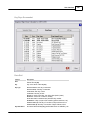
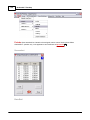
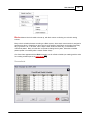
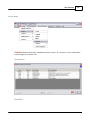
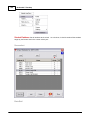
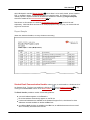
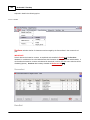
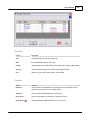
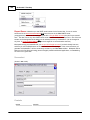
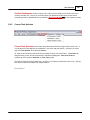
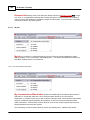
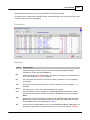
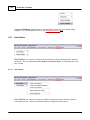
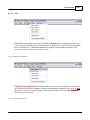
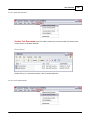
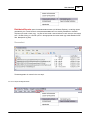
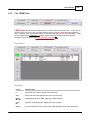
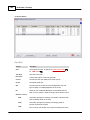
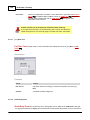
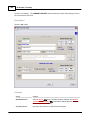
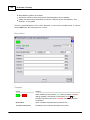
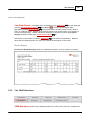
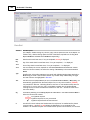
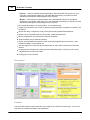
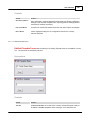
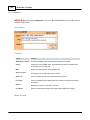
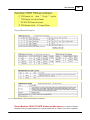
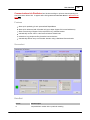
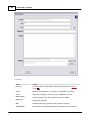
Communications Wizard Index displays all emailed Reports and Memos that have been
distributed, or are pending distribution, for the current Section via the Communications Wizard. It
provides an easy way to view the status of all major email communications with students and their
constituents (parents/guardians and guidance) for this Section, as well as the communicated documents
(PDFs) themselves. It also provides a means by which to record the receipt of signed responses from
parents/guardians when those are required.
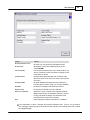
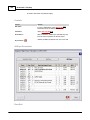
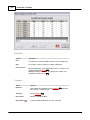
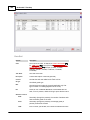
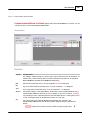
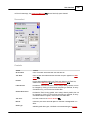
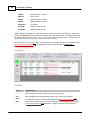
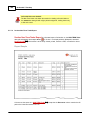
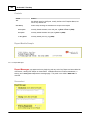
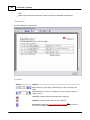
The index listing can be easily filtered by Term Stamp. Individual Jobs (similar Student Reports all
emailed at once) may be deleted from the listing if desired. The form is identical to My Com m unications
Wizard Index, except that the Section selector is fixed to the Current Section and its Reports/Memos
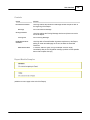
only. See My Com m Wizard Index 202 for a complete description of data and controls.
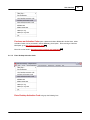
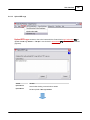
5.5.1.5.4 Communications Wizard Email Log
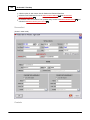
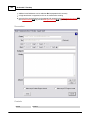
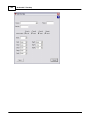
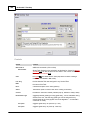
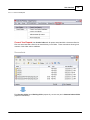
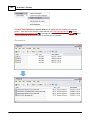
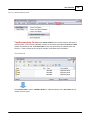
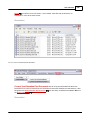
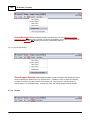
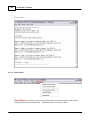
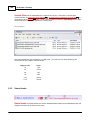
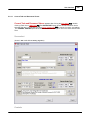
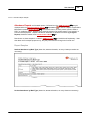
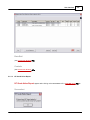
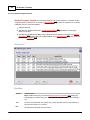
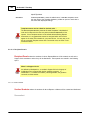
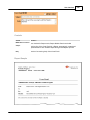
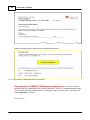
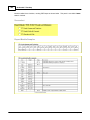
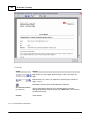
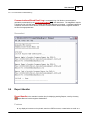
Communications Wizard Email Log displays a sequential log of all Section communications
generated (or attempted) by the Com m unications Wizard 335 in the viewed term. The log (a .txt file) opens
in a simple text file reader (eg Microsoft Notepad or Wordpad). There is a separate Log File for each
term of each Section, and every Communications Wizard session in a given term appends to the
appropriate one.
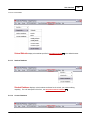
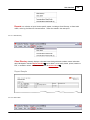
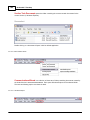
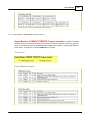
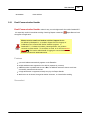
This Log can be easily cleared with Com m unications Wizard Em ail Log Clear
© 2012 Mindspark Inc
237
.