1
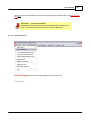
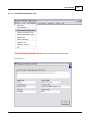
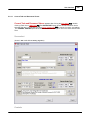
User Interface
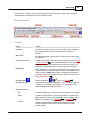
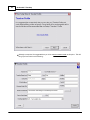
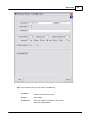
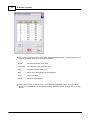
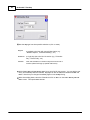
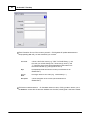
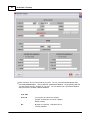
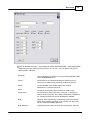
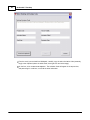
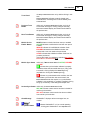
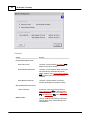
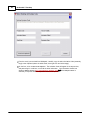
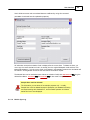
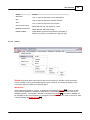
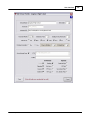
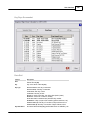
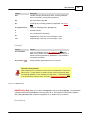
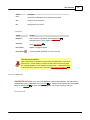
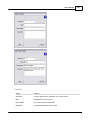
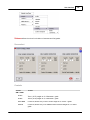
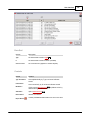
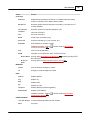
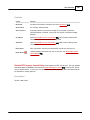
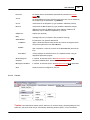
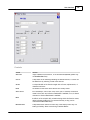
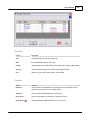
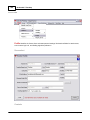
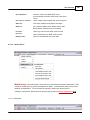
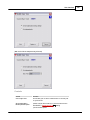
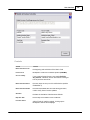
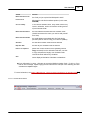
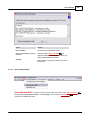
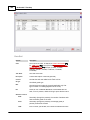
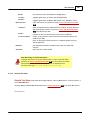
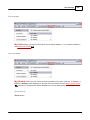
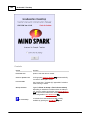
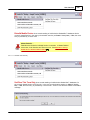
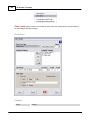
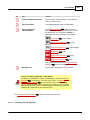
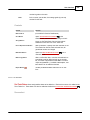
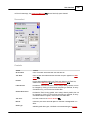
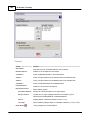
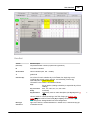
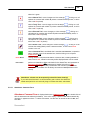
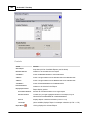
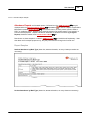
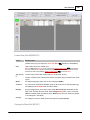
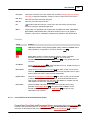
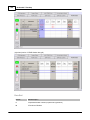
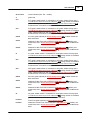
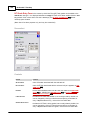
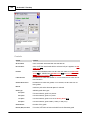
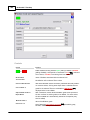
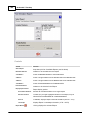
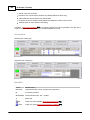
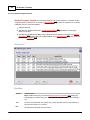
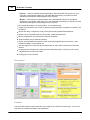
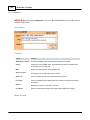
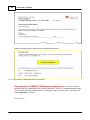
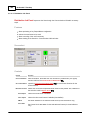
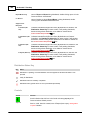
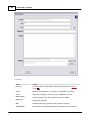
From Line
the Current User's email address (automatically entered from Teacher
Profile 156 )
To Line
the email address that was clicked to bring up the form; line is followed by
the recipient type in parentheses, eg (Student)
Cc Line
checkboxes for Cc recipients by type (enabled if addresses present)
Bcc Line
checkboxes for Bcc recipients by type (enabled if addresses present);
additional checkbox for Self (Current User's address); additional
addresses may be addeded if separated by commas
5.4.2.3
143
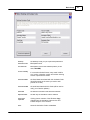
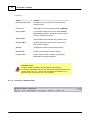
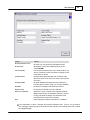
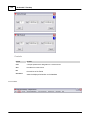
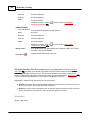
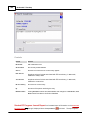
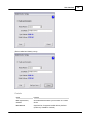
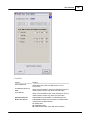
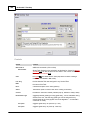
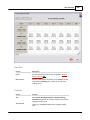
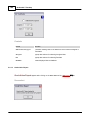
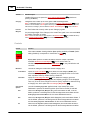
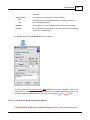
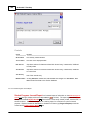
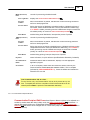
Subject Line
subject text (required)
Body
message body text (not required, but prompted if missing)
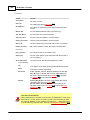
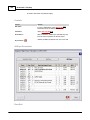
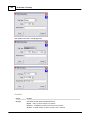
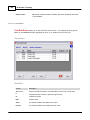
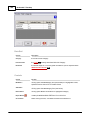
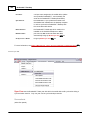
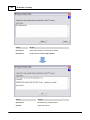
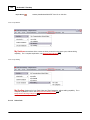
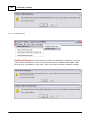
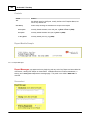
Attach Window
full pathname of an optional attached file
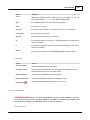
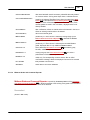
+
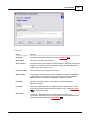
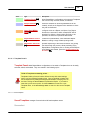
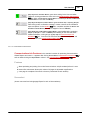
Link Button
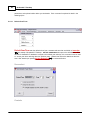
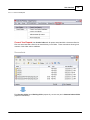
opens a folder/file selector dialog window to locate an existing document
and place its pathname in the Attach Window
X Button
after confirmation, clears the contents of the Attach Window (removes the
link)
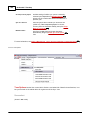
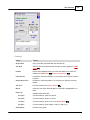
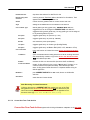
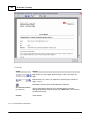
View Button
clicking displays the linked document in a separate window, using an
appropriate application program
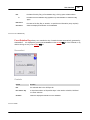
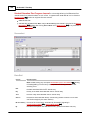
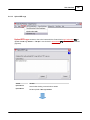
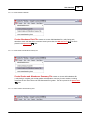
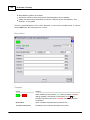
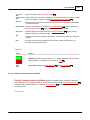
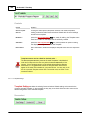
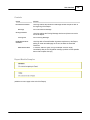
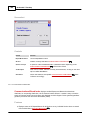
Student Progress
Checkbox
if checked, records the email in the Student Progress Journal
(checkbox available within Section Dashboards only)
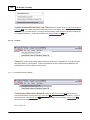
EP Progress Checkbox
if checked, records the email in the EP Progress Journal
Send
sends the email as configured on the form
137
332
(if applicable)
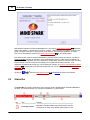
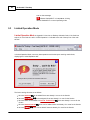
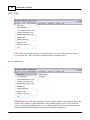
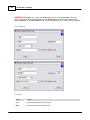
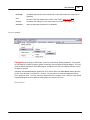
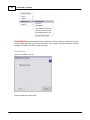
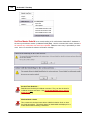
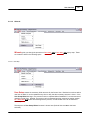
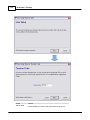
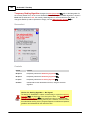
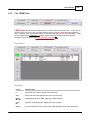
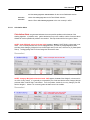
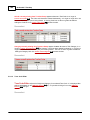
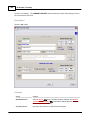
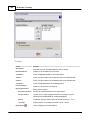
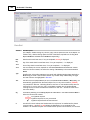
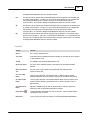
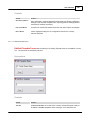
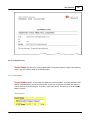
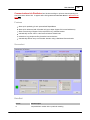
Teacher
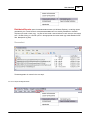
Teacher commands define teacher-specific data such as sections taught, personal grading scheme,
profile info, and email server info (for automatically distributing student reports). Each command is
© 2012 Mindspark Inc