1
8
Activating Noxa-AME
You must activate Noxa-AME on your computer before using it. Activation is also required
before you swap, change, reformat, or reconfigure your hard drive.
Here is how you do it in three easy steps...
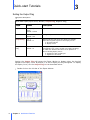
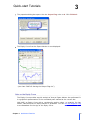
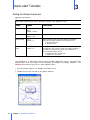
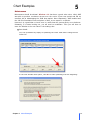
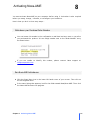
Write down your Purchase Order Number
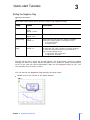
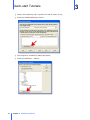
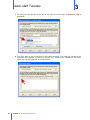
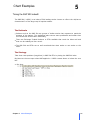
You can locate this number in the confirmation e-mail that has been sent to you after
you purchased the product. It is an 8-digit number next to the "Order Number" entry
as shown below:
If you are unable to identify this number,
[email protected]
please
contact
Noxa
support
at
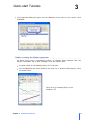
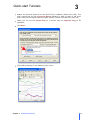
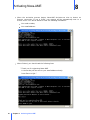
Run Noxa-AME Activate.exe
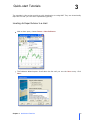
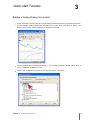
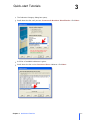
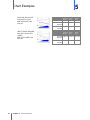
Click the Start Menu icon in the lower left hand corner of your screen. Then click on
the All Programs menu.
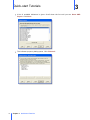
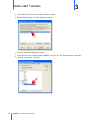
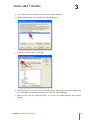
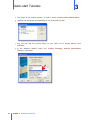
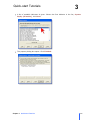
In the menu listing that appears, look for the folder named Noxa\Noxa AME. Then click
the Noxa-AME Activate.exe program.
Chapter 8 Activating Noxa-AME
49