1
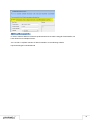
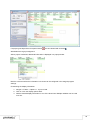
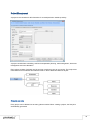
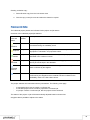
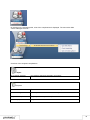
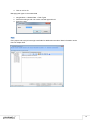
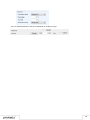
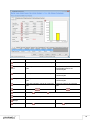
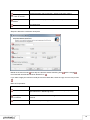
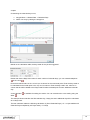
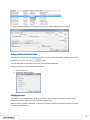
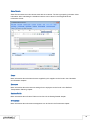
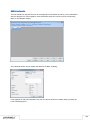
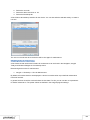
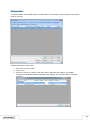
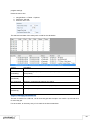
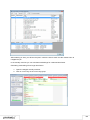
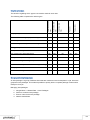
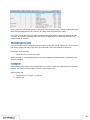
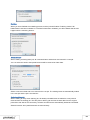
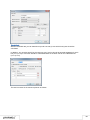
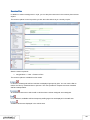
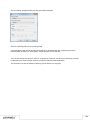
You can select the individual tabs with the key combination
keyboard.
+ 1,
+ 2 etc. using the
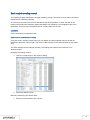
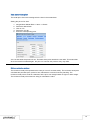
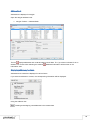
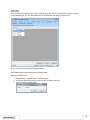
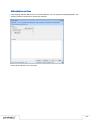
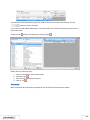
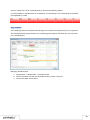
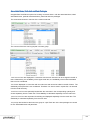
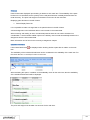
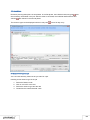
Editing list entries
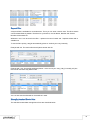
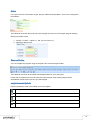
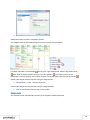
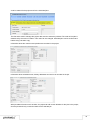
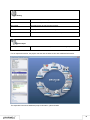
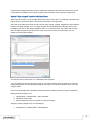
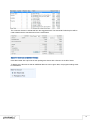
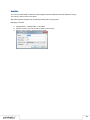
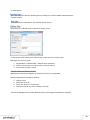
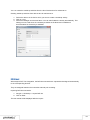
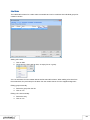
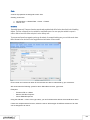
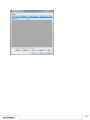
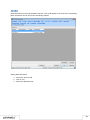
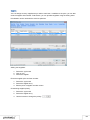
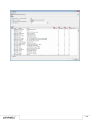
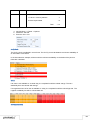
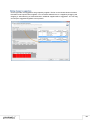
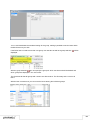
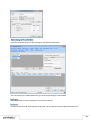
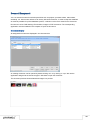
You can directly enter data in some lists. With the list editor, you can use this feature within the items
and addresses master data. This functionality is also available in other lists, such as a Bill of Items.
Select the entry and click again on the desired column.
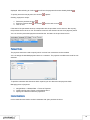
You can access the edit mode using the function key
on the keyboard.
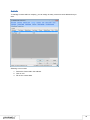
Editing multiple entries
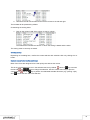
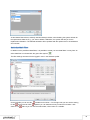
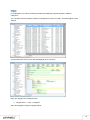
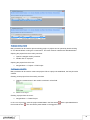
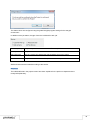
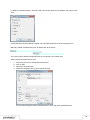
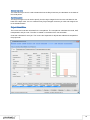
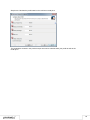
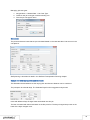
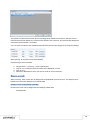
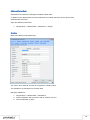
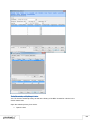
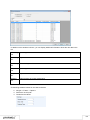
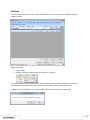
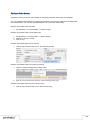
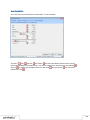
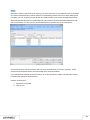
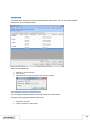
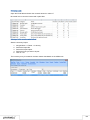
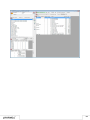
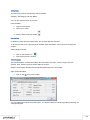
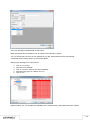
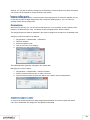
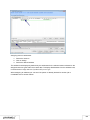
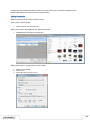
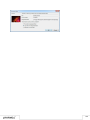
The Edit Multiple Entries feature can be used to edit multiple selected entries at the same time. The
Edit Multiple Entries feature is available for a bill of items as well as for invoice item lists.
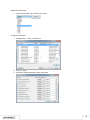
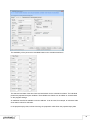
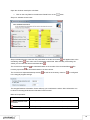
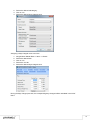
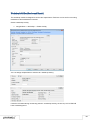
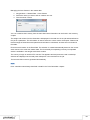
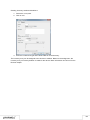
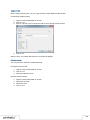
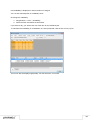
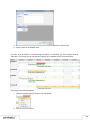
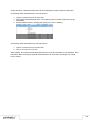
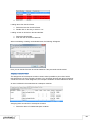
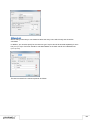
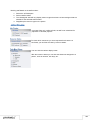
Editing multiple lines at the same time:
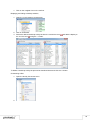
1. Select the entries you want to edit.
2. Open the context menu with the mouse or keyboard.
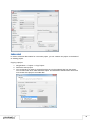
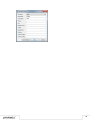
3. Select Edit Entries
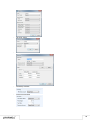
4. Select the column you want to edit and enter the new value.
5. Confirm with OK
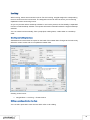
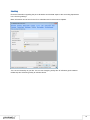
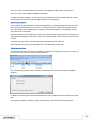
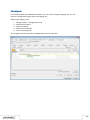
Context Menus
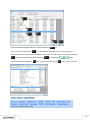
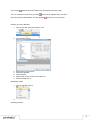
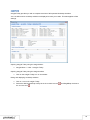
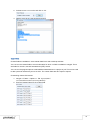
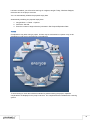
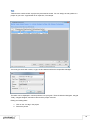
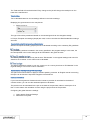
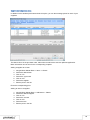
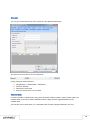
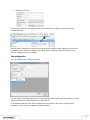
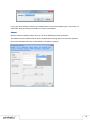
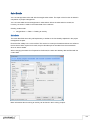
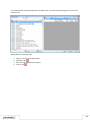
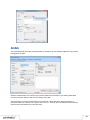
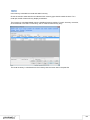
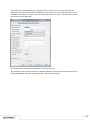
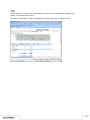
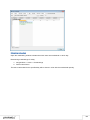
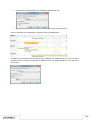
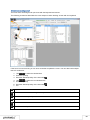
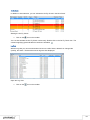
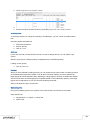
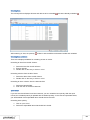
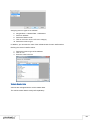
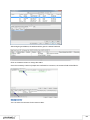
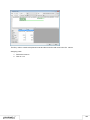
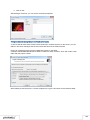
Within the list view, you can open additional context related functions using the context menu.
The context menu is opened with a right mouse click as well as with the
key.
14