1
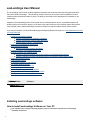
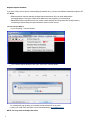
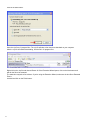
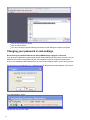
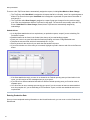
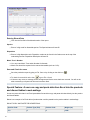
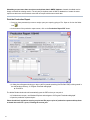
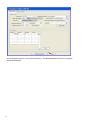
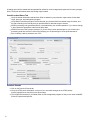
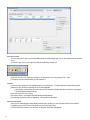
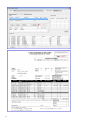
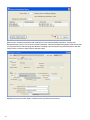
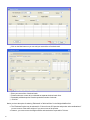
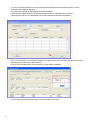
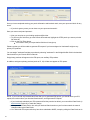
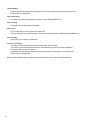
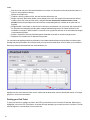
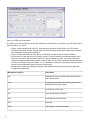
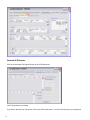
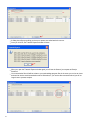
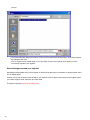
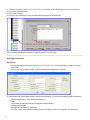
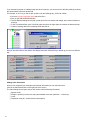
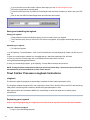
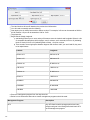
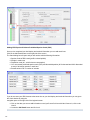
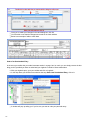
Hauls: when you click on a particular set within a day, there are two things that you can do:
Edit set deploy/retrieval information
Add or Edit catch information
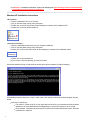
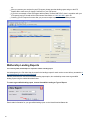
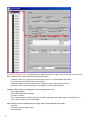
Remember, whenever you need to move around in your logbook, use the left-hand navigation pane!
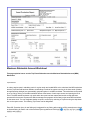
Making Logbook Entries
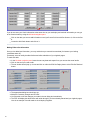
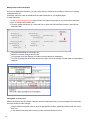
Voyage Information
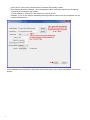
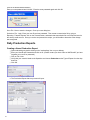
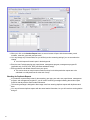
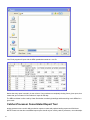
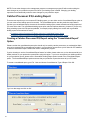
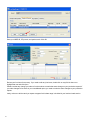
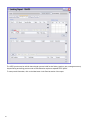
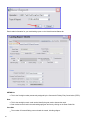
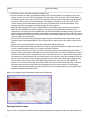
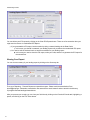
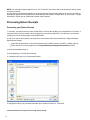
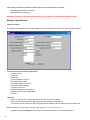
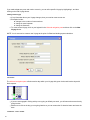
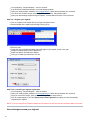
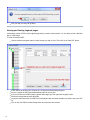
The logbook wizard will take you through creating your first Voyage entry as soon as you open your 2012 logbook
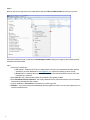
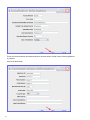
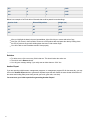
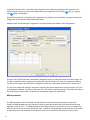
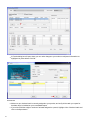
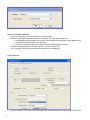
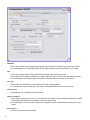
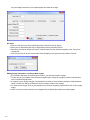
You will need to enter the following information:
Operator Name
Crew Size
Start Date
Primary Observer Cruise #
Primary Observer Name
Secondary Observer Cruise #
Secondary Observer Name
Operator IFQ Permit
Halibut CDQ Permit (if applicable)
Additional IFQ Permits (if applicable)
Click Ok
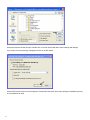
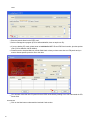
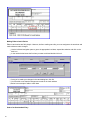
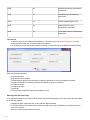
Gear Code
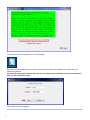
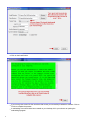
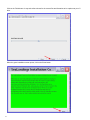
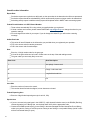
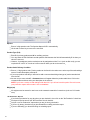
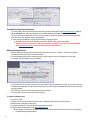
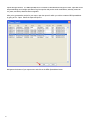
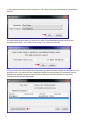
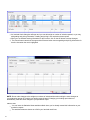
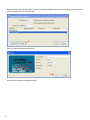
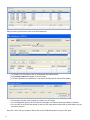
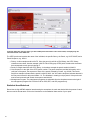
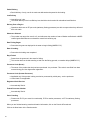
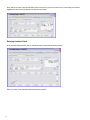
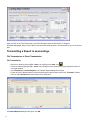
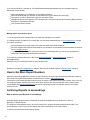
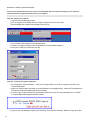
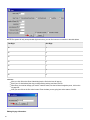
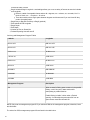
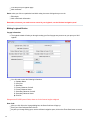
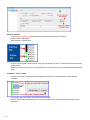
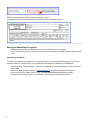
After you click Ok on the Voyage dialog box, the Gear Code box will pop up
Enter your Gear Code and accompanying Gear Type descriptors, then click Ok
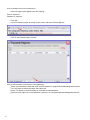
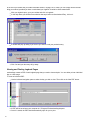
At this point you can continue to add more gear types as needed or you can add more gear at a later time
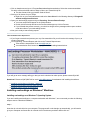
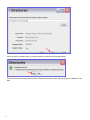
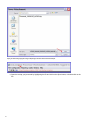
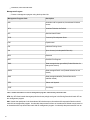
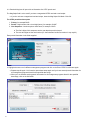
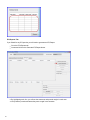
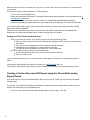
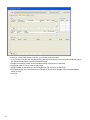
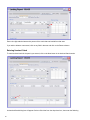
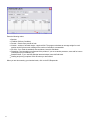
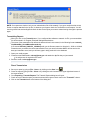
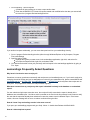
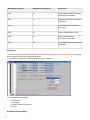
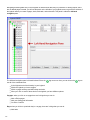
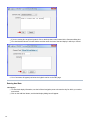
NOTE: Anytime you want to add a new gear type, use the left hand navigation pane .
Highlight the original Voyage and then click on the Enter Gear button to record a new gear type.
88