1
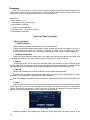
password is continuous wrong five times, the account will be locked. (Through reboot or after half an hour,
the account will be unlocked automatically). For safety sake, please revise user name and password in
time.
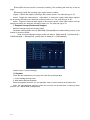
5. Preview
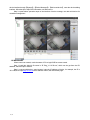
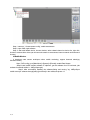
Login normally and choose the multi-menu preview status.
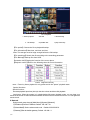
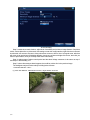
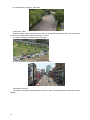
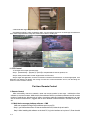
The system date, time and channel title are shown in each viewing window. The surveillance video
and the alarm status are shown in each window.
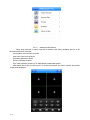
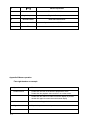
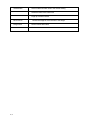
recording
motion detect
video lost
locked channel
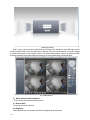
Chart 1 icon on preview window
6. Recording Config
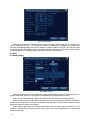
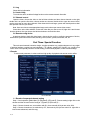
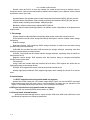
Set the recording parameters in the surveillance channel. You can enter [Main Menu]> [Record]>
[Record Config] to set. The system’s default set is 24 hours continuous recording.
Note: There is at least one read-write hard disk if the DVR records normally.(refer to chapter 4.5.1
HARD DISK Manage)
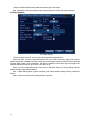
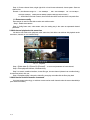
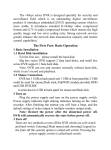
Pic 2 Recording Config
【Channel】Choose the corresponding channel number to set the channel. Choose the “all”
option to set the entire channels.
【Redundancy】Choose the recording file and backup in two hard disks. The one is read-write
disk, another is redundant disk. (refer to 4.5.1 in reference CD)
【Length】Set the time length of each video file. 60minutes is default length.
【Prerecord】Record 1-30 seconds before the action. (file length is decided by the stream)
【Record Mode】Set video state: Schedule, manual and stop.
Schedule: Record according to the set video type (regular, detect and alarm)and time section.
Manual: Click the “all” button and make the corresponding channel recording no matter it is in
any state.
Stop: Click the “stop” button and make the according channel stop recording no matter it is in
any state.
3 / 20