1
1.1
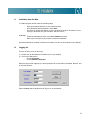
Installation from the Web
1.2
Logging On
2.1
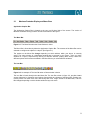
Maximus Protrader Display and Menu Bars
2.2
The Icon Bar
2.3
Right Mouse Click Support
2.4
Reset Defaults
2.5
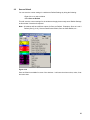
Save as Default
2.7
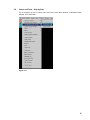
Turning Columns On & Off
2.8
Sizing Columns
2.9
Movable Columns
3.1
Opening an Existing Layout
3.2
Creating a New Layout
3.3
Saving a Layout
3.4
Import / Export Layout
3.5
Free Floating Windows
4.1
Selecting Quote Windows
4.2
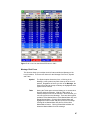
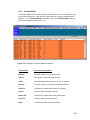
Detailed Quote Window
4.3
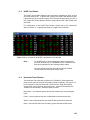
Condensed Quote Window
4.4
Movable Columns
4.5
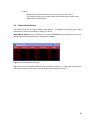
Market Watch Window
4.6
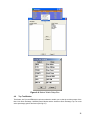
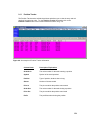
Top Ten Window
4.7
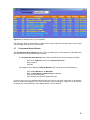
Fundamental Quote Window
4.8
Import Symbols to Quote Pages
4.9
Replace Current Quote Page
4.10
Sort Field/Page
4.11
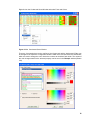
Font Selection
4.12
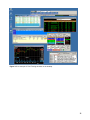
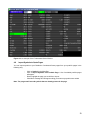
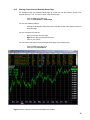
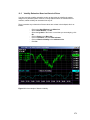
Viewing Charts from the Detailed Quote Page
2