1
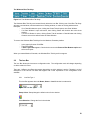
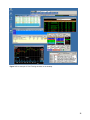
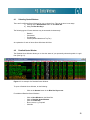
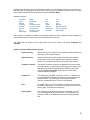
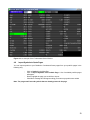
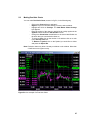
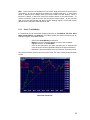
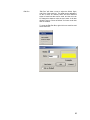
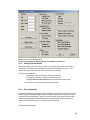
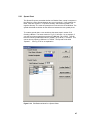
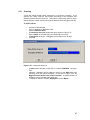
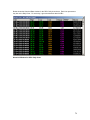
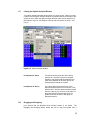
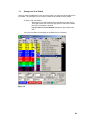
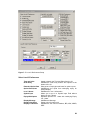
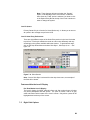
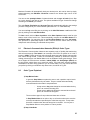
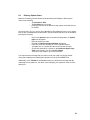
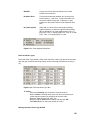
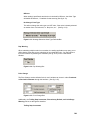
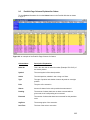
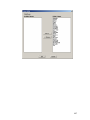
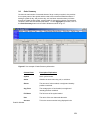
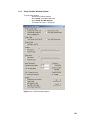
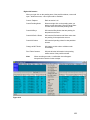
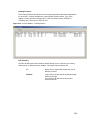
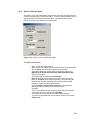
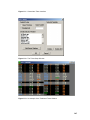
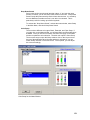
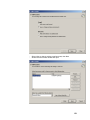
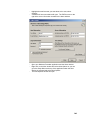
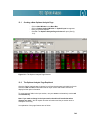
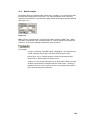
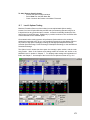
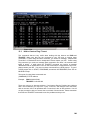
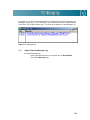
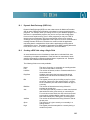
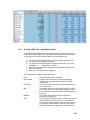
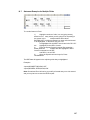
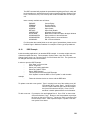
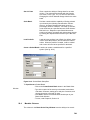
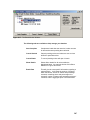
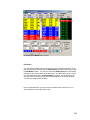
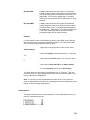
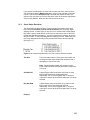
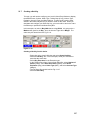
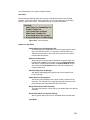
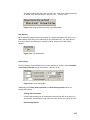
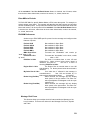
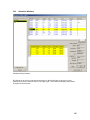
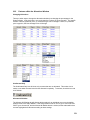
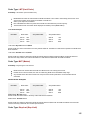
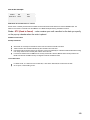
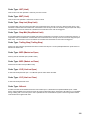
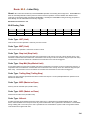
As you can see, the 1000 shares of INTC from account 10073 are going to be allocated to four
different accounts. 1, 2, 3 and 4 each are going to receive 25% of the 1000 shares. Any number
of accounts can be added and the percentages can be changed to whatever.
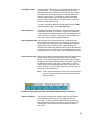
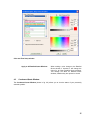
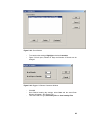
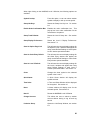
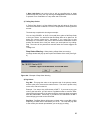
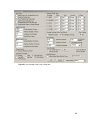
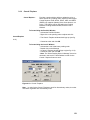
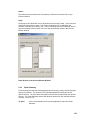
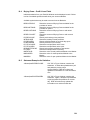
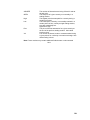
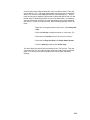
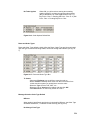
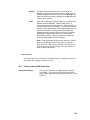
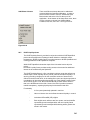
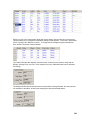
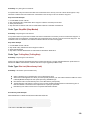
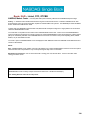
If you notice, the Assignment box now shows that 1000 shares have been allocated and shows
the new average price. Once the correct allocations have been made, click OK.
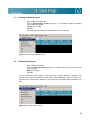
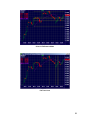
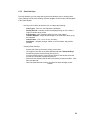
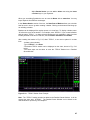
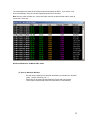
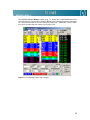
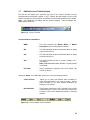
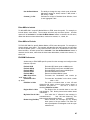
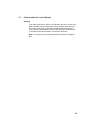
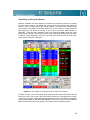
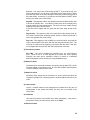
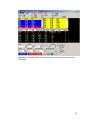
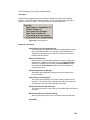
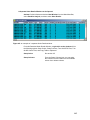
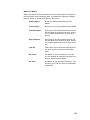
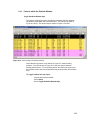
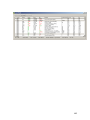
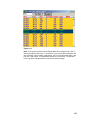
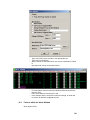
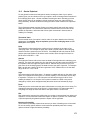
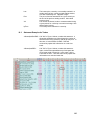
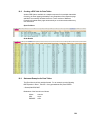
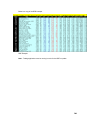
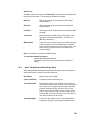
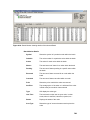
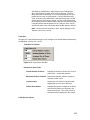
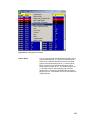
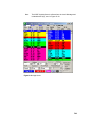
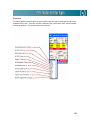
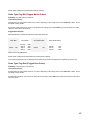
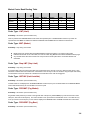
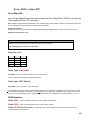
If trade allocations are red:
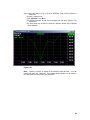
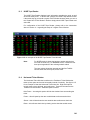
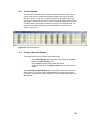
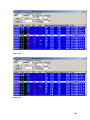
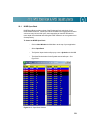
If any orders are left red, this means that orders have been changed, but are not complete.
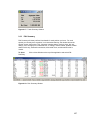
This can be checked by looking into the Assignment Box at the bottom left. If any shares are
listed in the Available field in the Assignment section box, then the allocations are not complete.
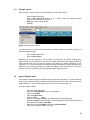
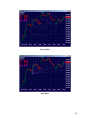
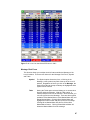
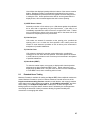
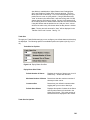
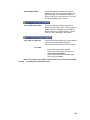
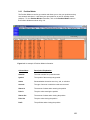
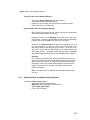
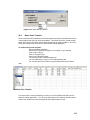
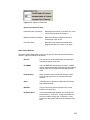
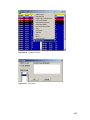
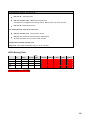
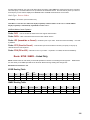
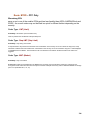
If trade allocations are blue:
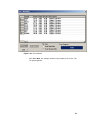
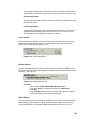
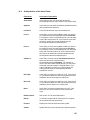
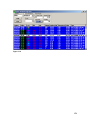
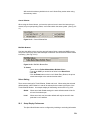
Notice, once the changes have been made and the allocations are complete; the orders will be
the color blue. If blue, that means that the order is allocated completely and is ready to be
saved.
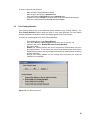
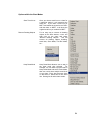
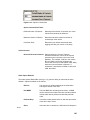
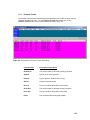
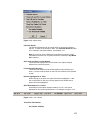
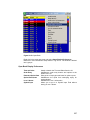
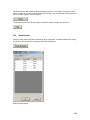
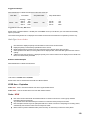
If trade allocations are green:
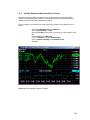
Once saved and allocated, the orders become green.
250