1
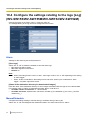
11 Configure the settings relating to images [Image]
11.4 Configure the settings relating to image adjust,
extra zoom (WV-SW155/WV-SW155M/WV-SW152/
WV-SW152M/WV-SF135), privacy zone and VIQS
[Image quality]
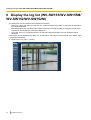
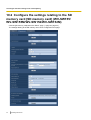
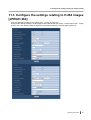
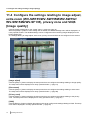
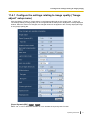
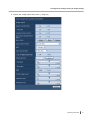
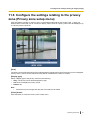
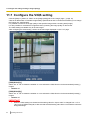
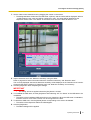
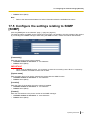
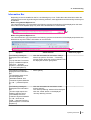
Click the [Image quality] tab on the “Image” page. (®page 32, page 34)
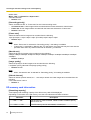
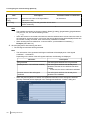
When the [Setup>>] button of each setting item is clicked, the detailed settings menu will be displayed in a
newly opened window. The detailed settings can be configured while monitoring images displayed on the
[Image quality] tab.
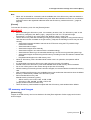
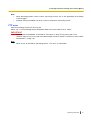
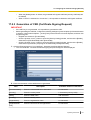
The settings relating to image adjust, extra zoom, privacy zone and VIQS can be configured in this section.
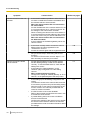
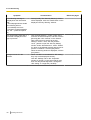
[Image adjust]
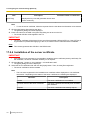
Click the [Setup>>] button to display the setup menu that can configure the settings relating to image quality.
The setup menu will be displayed in a newly opened window. (®page 71)
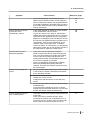
[Extra zoom]
Click the [Setup>>] button to display the setup menu that can configure the settings relating to extra zoom.
The setup menu will be displayed in a newly opened window. (®page 80)
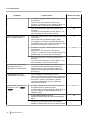
[Privacy zone]
Click the [Setup>>] button to display the setup menu that can configure the settings relating to the privacy
zone. The setup menu will be displayed in a newly opened window. (®page 81)
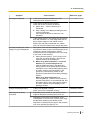
[VIQS]
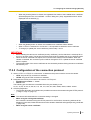
Click the [Setup>>] button to display the setup menu that can configure the settings relating to VIQS. The setup
menu will be displayed in a newly opened window. (®page 84)
70
Operating Instructions