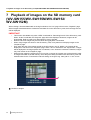
1
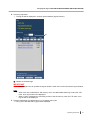
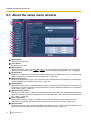
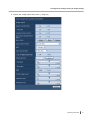
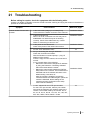
13 Configure the alarm settings [Alarm]
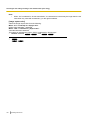
Note
•
The settings for “Image capture size” of the “Alarm image” section on the [Alarm] tab (®page 87) will
be applied to the size of the image to be attached.
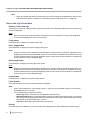
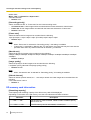
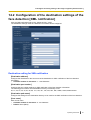
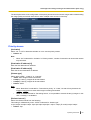
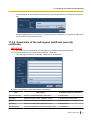
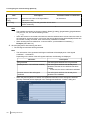
Destination of notification
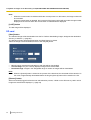
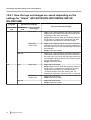
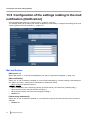
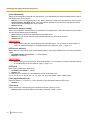
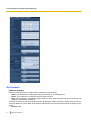
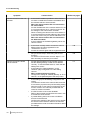
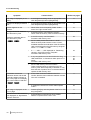
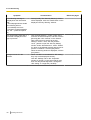
[Address 1] - [Address 4]
Enter the destination mail address. Up to 4 destination addresses can be registered.
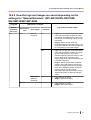
• [Alarm] checkbox: When the checkbox is checked, the mail notification will be performed upon an alarm
occurrence.
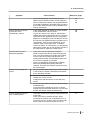
SW152 : When the checkbox is checked, the mail notification will be provided
• [Diag.] checkbox SW155
in the following cases.
– When notification of the remaining capacity of the SD memory card has been provided
– When the SD memory card has become full
– When the SD memory card cannot be recognized
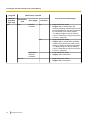
• [Destination address]: Enter the destination address.
– Available number of characters: 3 - 128 characters
To delete the registered address, click the [Delete] button respective to the desired address.
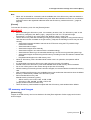
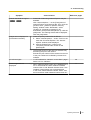
[Mail subject]
Enter the mail subject.
• Available number of characters: 0 - 50 characters
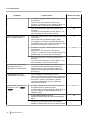
[Mail body]
Enter the mail body.
• Available number of characters: 0 - 200 characters
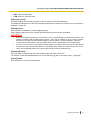
Note
SW152 :
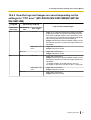
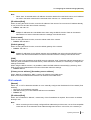
Notification mail will be sent with the message “The capacity of the SD memory card is full.” when the
SD memory card has become full, or “The SD memory card cannot be detected.” when mounting of
the SD memory card failed.
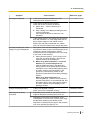
SW155
•
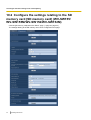
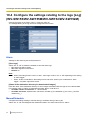
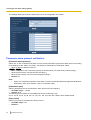
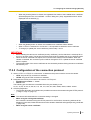
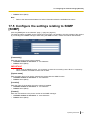
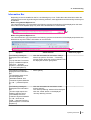
13.6 Configure the settings relating to Panasonic
alarm protocol [Notification]
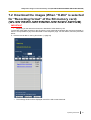
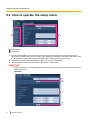
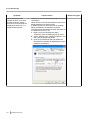
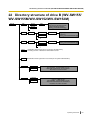
Click the [Notification] tab on the “Alarm” page. (®page 32, page 34)
Operating Instructions
95