1
Telos Language Partner
TLP Pro
User Manual
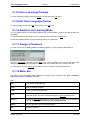
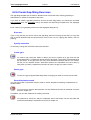
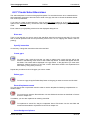
3.1.4 Menu Bar
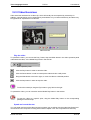
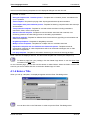
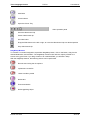
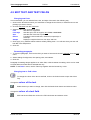
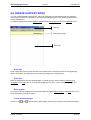
The menu bar displays the following main functions: File, Edit, Extras, Language, Help.
File:
New
Creates a new, empty package.
Open
Opens an existing package.
Close
Closes a package.
Exit
Closes the program.
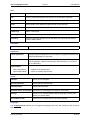
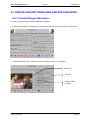
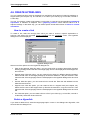
Edit:
Editing Mode
Switches to the Editing Mode of the current learning package (Access to the
Editing Mode can be restricted by a password).
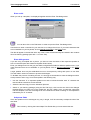
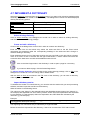
Extras:
Notepad
Opens the TLP-Notepad.
Special
Characters
Opens Special Character box.
Dictionary
Opens a dictionary.
Settings
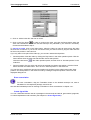
Opens box for changing default settings (language, opening tune, directory for
learner data).
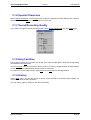
Sound Data
Format
Opens box for changing the sound recording quality.
Language:
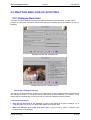
The Language menu enables you to change the language of the menu bar, status bar, and on-screen
help.
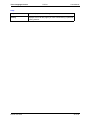
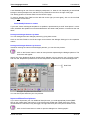
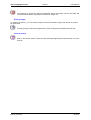
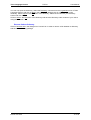
Help:
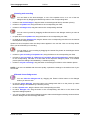
Help
Accesses the Help function
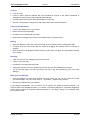
History
Accesses the History function, which provides an overview of all the pages you
have worked with during a particular learning session.
© LINK 1997-2004
7 of 78