1
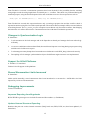
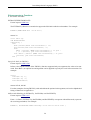
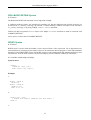
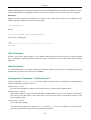
Command-line Utilities
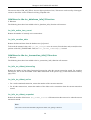
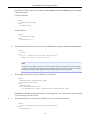
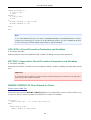
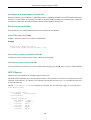
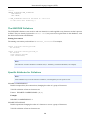
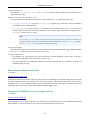
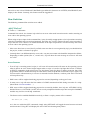
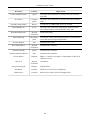
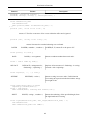
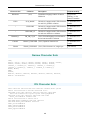
-N
-F
-B
-R
-U
-P
<database>
Unlock previously locked database
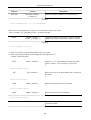
<database>
Fixup database after filesystem copy
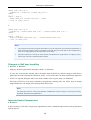
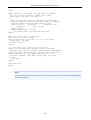
<level> <database> [<filename>] Create incremental backup
<database> [<file0> [<file1>...]]
Restore incremental backup
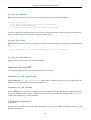
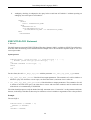
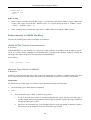
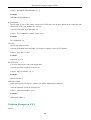
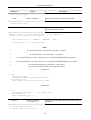
<user>
User name
<password>
Password
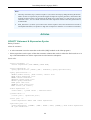
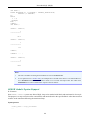
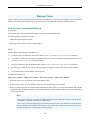
Note
1.
<database> may specify a database alias
2.
incremental backup of multi-file databases is not supported yet
3.
"stdout" may be used as a value of <filename> for the -B option
Improvement in V.2.1.3
A. Peshkov
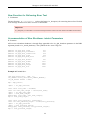
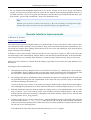
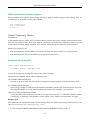
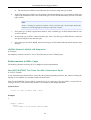
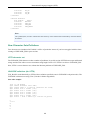
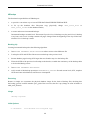
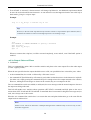
In the Firebird 2.5 beta, an improvement was done for POSIX versions to address a problem whereby the full
backup tool of nBackup would hog I/O resources when backing up large databases, bringing production work
to a standstill. This improvement was backported to V.2.1.3. Now, nBackup tries to read from the operating
system cache before attempting to read from disk, thus reducing the I/O load substantially.
Note
The “cost” may be a 10 to 15 percent increase in the time taken to complete the full backup under high-load
conditions.
Tracker reference CORE-2316.
User Manual
P. Vinkenoog
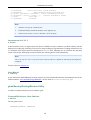
A user manual for NBak/NBackup has been prepared. It can be downloaded from the documentation area at the
Firebird website: www.firebirdsql.org/pdfmanual/ - the file name is Firebird-nbackup.pdf.
gbak Backup/Porting/Restore Utility
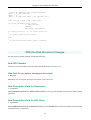
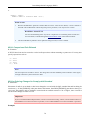
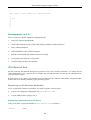
A number of enhancements have been added to gbak.
Changed Behaviours, New Switches
V. Khorsun
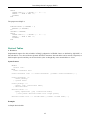
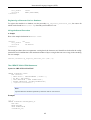
The new gbak switch
-RECREATE_DATABASE [OVERWRITE]
136