1
6.
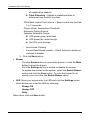
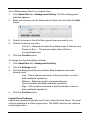
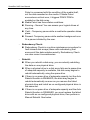
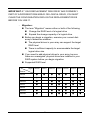
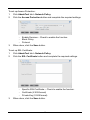
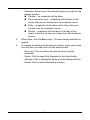
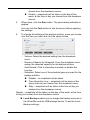
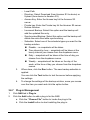
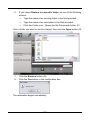
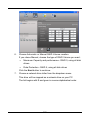
If you chose Restore to a specific folder, do one of the following
actions:
․
Type the name of an existing folder in the field provided
․
Type the name of an new folder in the field provided
․
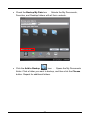
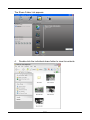
Click the Folder icon - Opens the My Documents folder. (F)
Click a folder you want to use for a target, then click the Open button (G)
7.
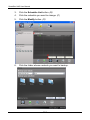
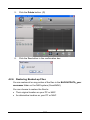
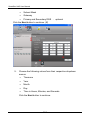
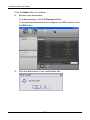
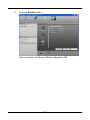
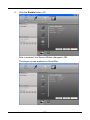
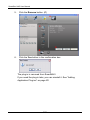
Click the Restore button. (H)
8.
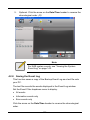
Click the Yes button in the confirmation box.
The restoration begins immediately.
109