1
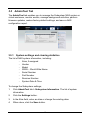
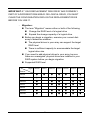
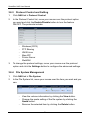
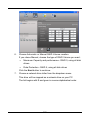
− SNMP Settings
− NFS Settings
− WebDAV Settings
− Network Settings
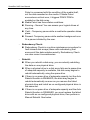
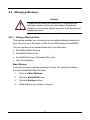
Caution: Use this feature only when required and only on the settings
that you must reset to default in order to set them correctly.
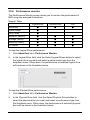
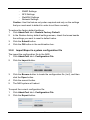
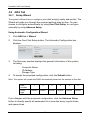
To restore the factory default settings:
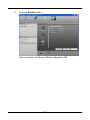
1. Click AdminTool tab > Restore Factory Default.
2.
In the Restore factory default settings screen, check the boxes beside
the settings you want to reset to default value.
3.
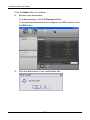
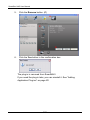
Click the Submit button.
4.
Click the OK button in the confirmation box.
3.5.8
Import/Export a system configuration file
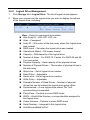
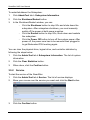
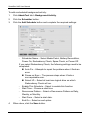
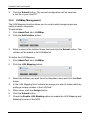
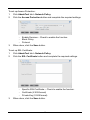
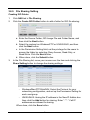
The import the configuration file to the NAS:
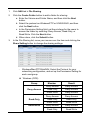
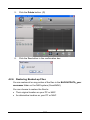
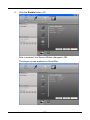
1. Click AdminTool tab > Configuration File.
2.
Click the Import button.
3.
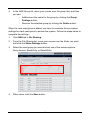
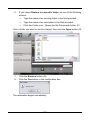
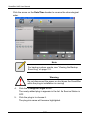
Click the Browse button to locate the configuration file (.bcf), and then
click the Open button.
4.
Click the summit button
5.
The NAS system will reboot
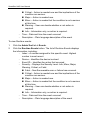
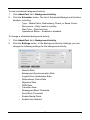
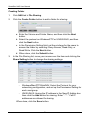
To export the current configuration file:
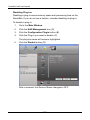
1. Click AdminTool tab > Configuration File.
2.
Click the Export button.
61