1
SmartStor NAS User Manual
3.6.6
Backup
1.
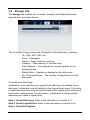
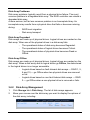
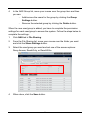
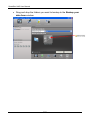
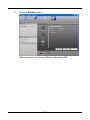
Click NAS tab > Backup.
2.
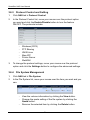
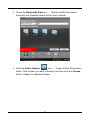
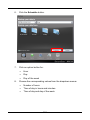
Select the Backup solution you want by clicking the tab: Snapshot
Backup, Remote Backup, Local Backup, Client Backup, and
Amazon S3.
• Snapshot Backup
1.
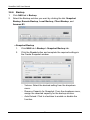
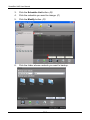
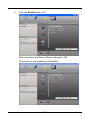
Click NAS tab > Backup > Snapshot Backup tab.
2.
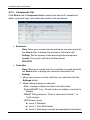
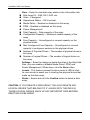
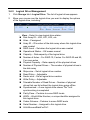
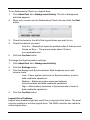
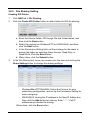
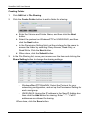
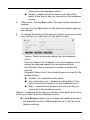
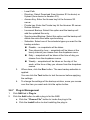
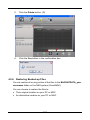
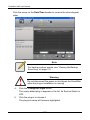
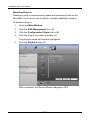
Click the Create button and complete the required settings in
the Create Snapshot window.
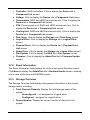
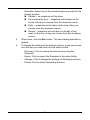
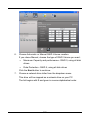
− Volume: Select the desired setting from the dropdown
menu.
− Reserve Capacity for Snapshot: From the dropdown menu,
assign the reserved capacity for the backup solution.
− Auto Extend: Click to checkbox to enable or disable the
function.
76