1
Directly
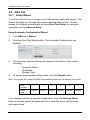
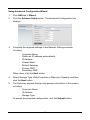
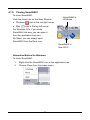
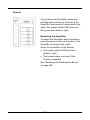
To shut down the SmartStor, press and
hold the power button on the back of the
SmartStor enclosure for five seconds (top,
right). The system status LED turns red,
then goes dark (bottom, right).
Restarting the SmartStor
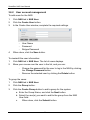
To restart the SmartStor after a shutdown,
press the power button on the back of the
SmartStor enclosure (top, right).
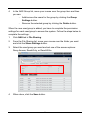
When the SmartStor is fully booted:
• The system status LED turns blue
(bottom, right)
• The buzzer beeps one time (if the
buzzer is enabled)
See “Enabling and Disabling the Buzzer”
on page 262.
143