1
Using Bookmarks
A Bookmark is simply a recording of your exact position and zoom level in your data. By
making a bookmark, you can quickly zoom back to this area again later.
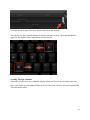
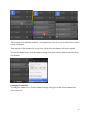
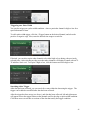
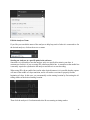
To add a Bookmark, click the Plus button on the Annotations panel and select Bookmark.
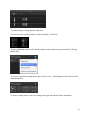
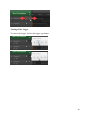
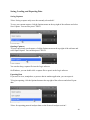
To edit the name of the bookmark, click the Bookmark's label (which by default will be
'Bookmark').
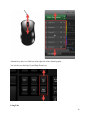
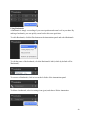
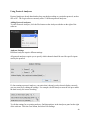
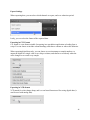
To zoom to a Bookmark, click its icon at the left side of the Annotations panel.
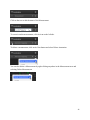
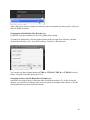
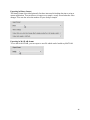
To delete a bookmark, select its settings icon (gear) and choose Delete Annotation.
23