1
Chapter 16: Cleaning up data
Combining "tagged" profiles
••••••
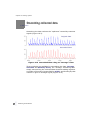
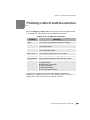
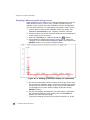
Often the data collected can be improved in a number of ways.
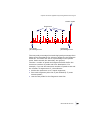
Firstly any number of the collected profiles may contain nothing
but solvent matrix or uninteresting background noise
(particularly data collected from electrophoresis gels).
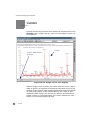
These profiles can be discarded, after data have been collected,
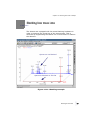
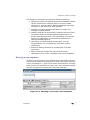
by tagging specific profiles of interest. The method of peak
tagging is described in "Tagging peaks using the Chromatography
window" on page 511. This feature will only be available when
data have been stored using the Store profiles All or After
average option.
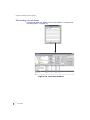
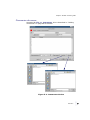
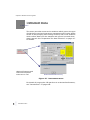
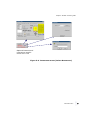
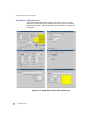
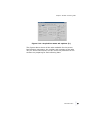
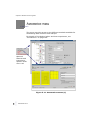
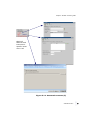
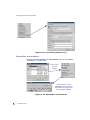
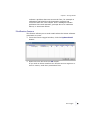
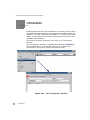
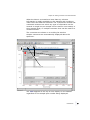
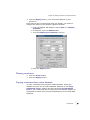
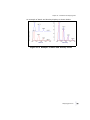
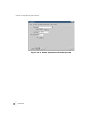
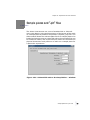
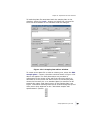
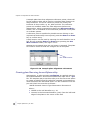
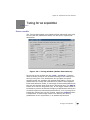
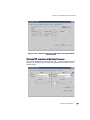
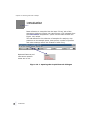
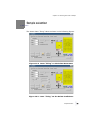
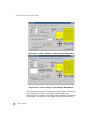
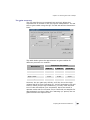
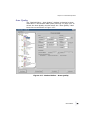
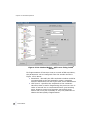
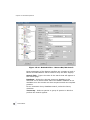
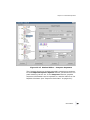
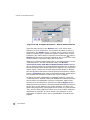
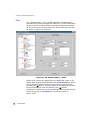
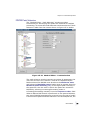
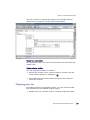
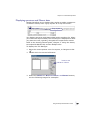
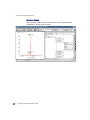
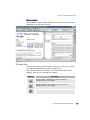
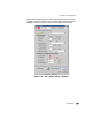
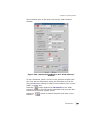
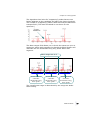
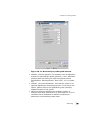
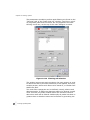
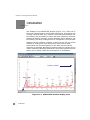
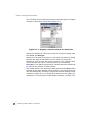
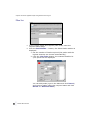
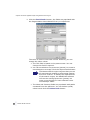
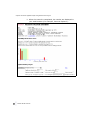
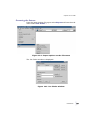
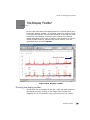
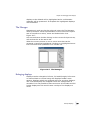
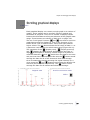
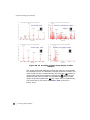
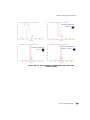
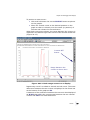
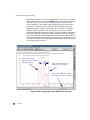
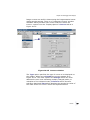
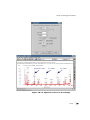
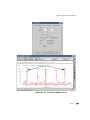
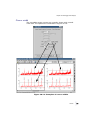
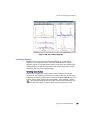
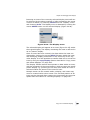
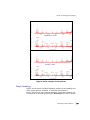
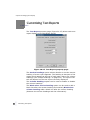
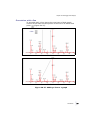
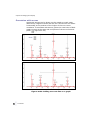
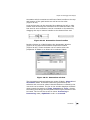
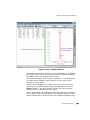
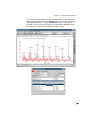
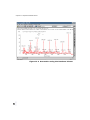
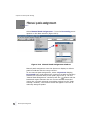
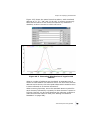
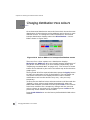
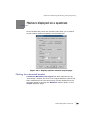
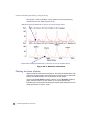
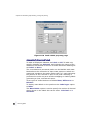
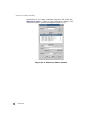
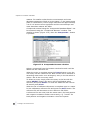
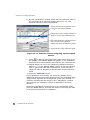
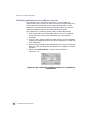
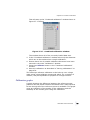
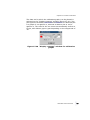
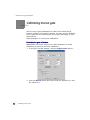
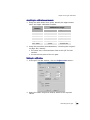
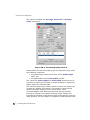
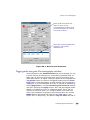
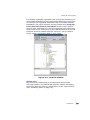
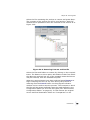
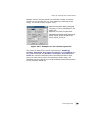
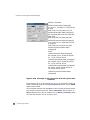
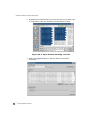
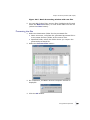
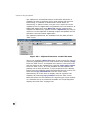
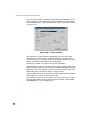
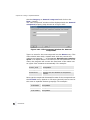
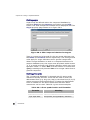
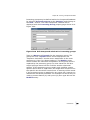
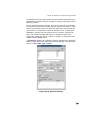
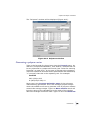
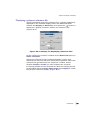
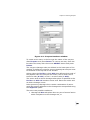
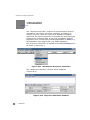
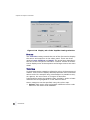
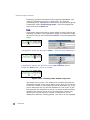
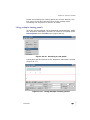
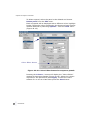
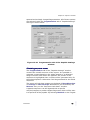
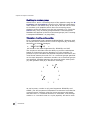
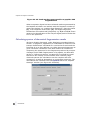
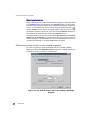
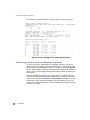
On the "Peak clean up" window, the Average option specifies
whether All profiles in the range displayed, or only the Tagged
profiles are averaged.
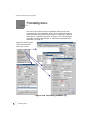
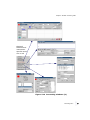
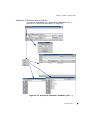
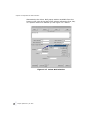
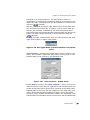
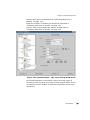
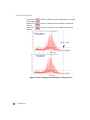
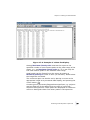
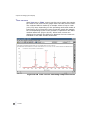
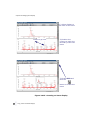
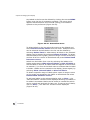
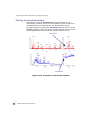
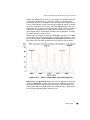
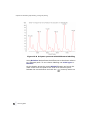
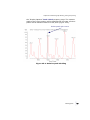
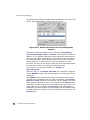
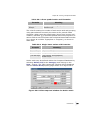
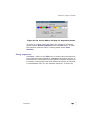
By selecting Tagged profiles only profiles tagged as described
are added together. This generally gives better results than if
profiles were included with little or no information in them.
•
•
238 ••
•
•
Combining "tagged" profiles