1
Chapter 42: Sequence Calculator
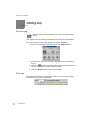
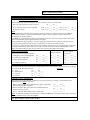
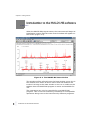
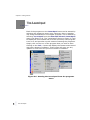
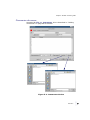
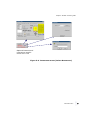
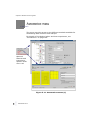
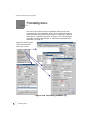
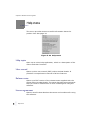
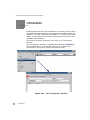
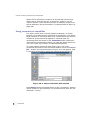
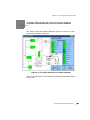
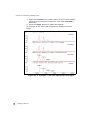
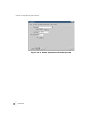
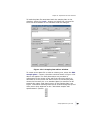
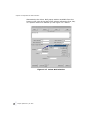
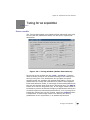
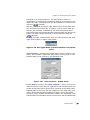
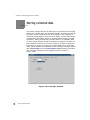
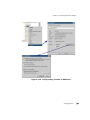
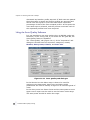
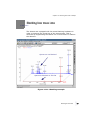
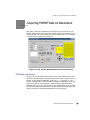
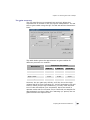
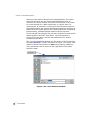
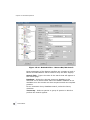
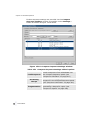
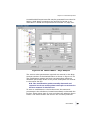
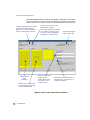
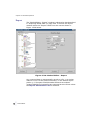
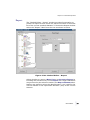
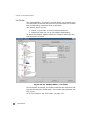
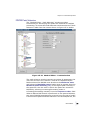
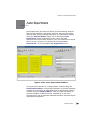
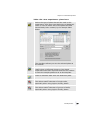
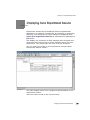
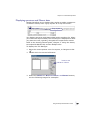
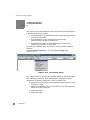
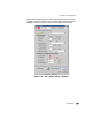
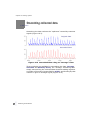
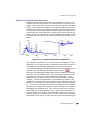
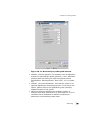
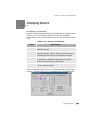
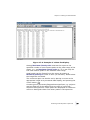
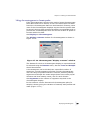
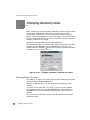
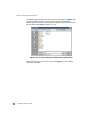
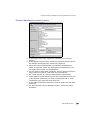
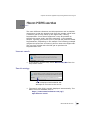
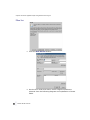
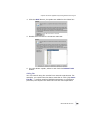
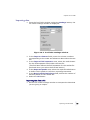
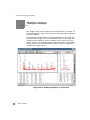
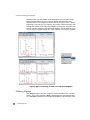
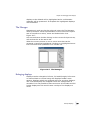
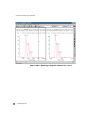
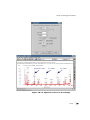
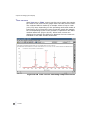
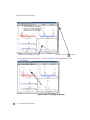
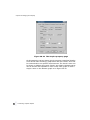
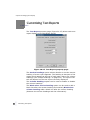
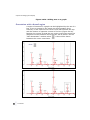
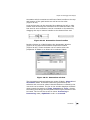
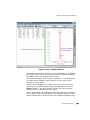
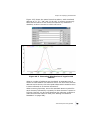
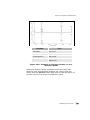
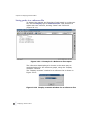
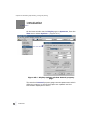
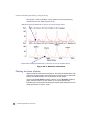
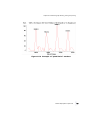
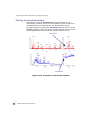
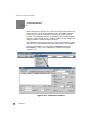
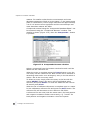
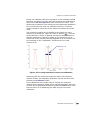
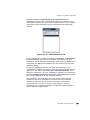
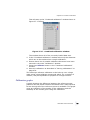
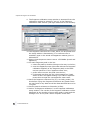
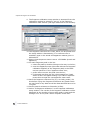
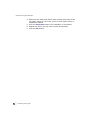
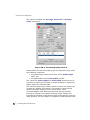
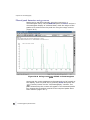
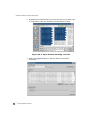
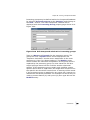
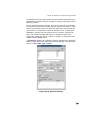
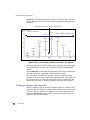
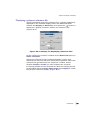
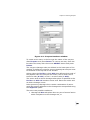
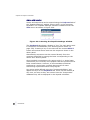
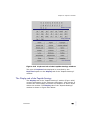
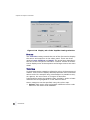
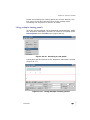
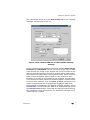
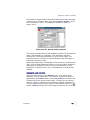
First select a display within the MALDI-MS base window showing
a spectrum of collected data, and choose Select peaks... from
the "Processing" menu. The displayed window is shown in
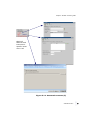
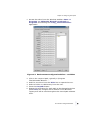
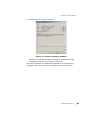
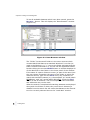
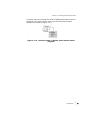
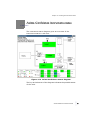
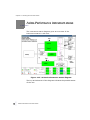
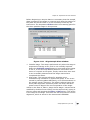
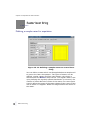
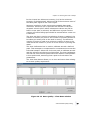
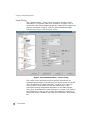
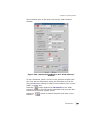
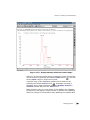
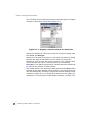
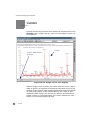
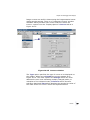
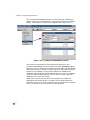
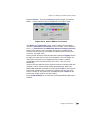
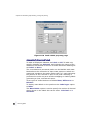
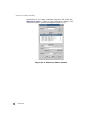
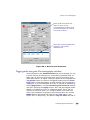
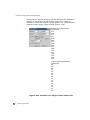
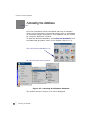
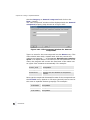
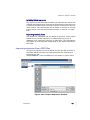
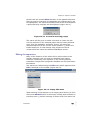
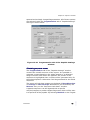
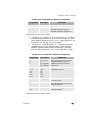
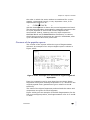
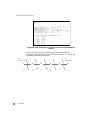
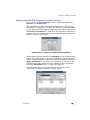
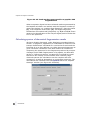
Figure 42.31.
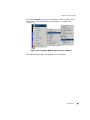
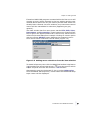
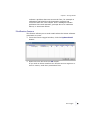
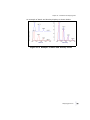
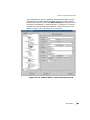
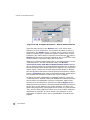
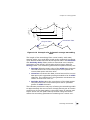
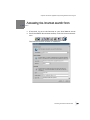
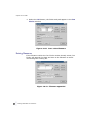
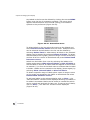
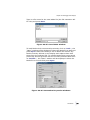
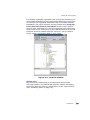
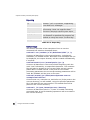
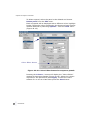
Figure 42.31 Select Peaks window
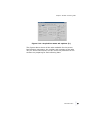
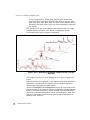
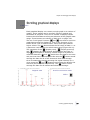
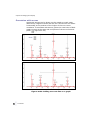
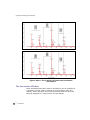
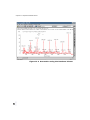
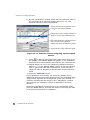
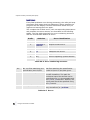
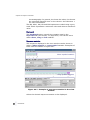
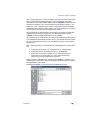
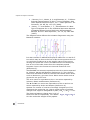
Two modes of peak selection are available, peaks may be selected
either automatically or manually. The automatic selection
chooses the most intense peaks in a given mass range. For
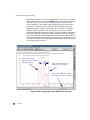
manual selection, masses of individual peaks may be typed, or
indicated using the cursor.
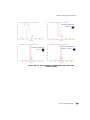
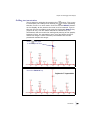
When selecting peaks, avoid peaks at low mass (e.g. below mass
300), as low mass fragments often occur at the same masses in
digestions of peptides. In other words, the presence of such
fragments is seldom of any use in identification of a particular
peptide.
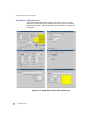
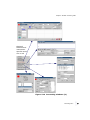
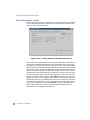
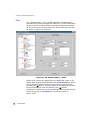
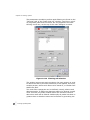
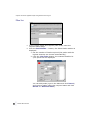
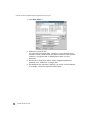
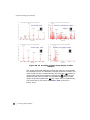
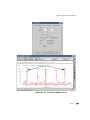
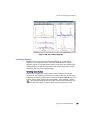
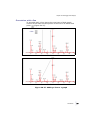
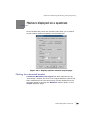
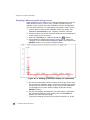
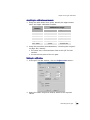
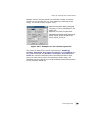
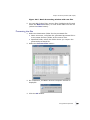
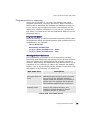
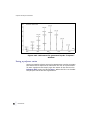
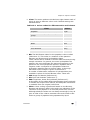
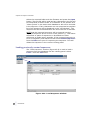
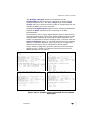
Automatic peak selection
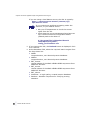
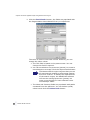
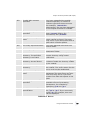
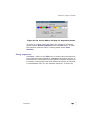
Type the mass range in the Masses entry over which peak
selection is to be performed. The number of peaks to select is
specified by the Peaks option. Press List peaks to create the list
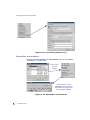
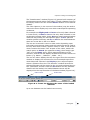
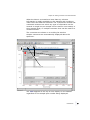
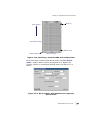
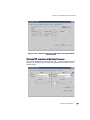
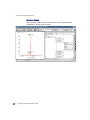
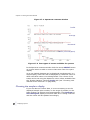
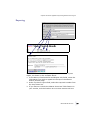
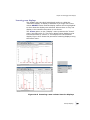
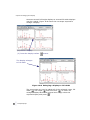
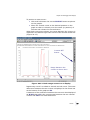
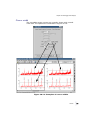
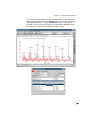
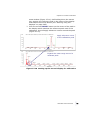
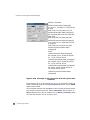
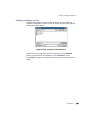
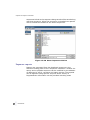
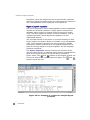
of peaks from the chosen mass range. Cursors can be used to
select a range of masses from a spectrum display. Position two
cursors bracketing the mass range of interest and press the
button. Masses will be set to the range marked by the cursors.
Introduction
637
•
•
•
•
•
•