1
Chapter 20: Managing Data Displays
Copy, insert and delete displays
••••••
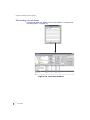
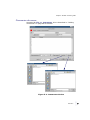
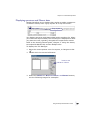
Copying displays
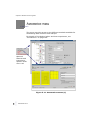
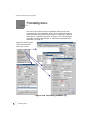
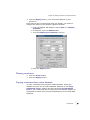
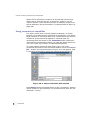
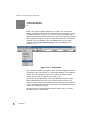
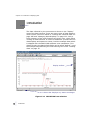
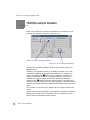
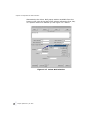
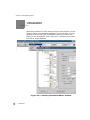
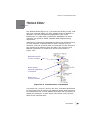
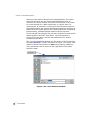
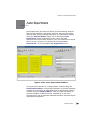
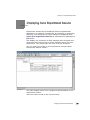
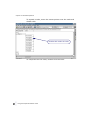
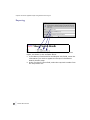
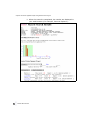
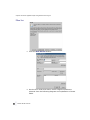
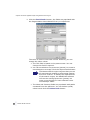
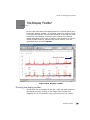
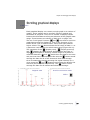
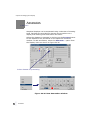
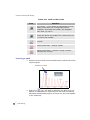
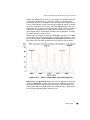
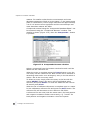
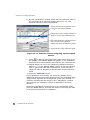
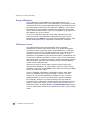
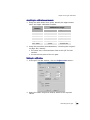
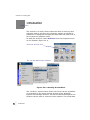
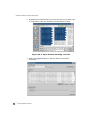
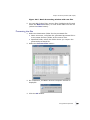
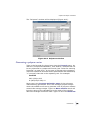
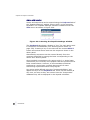
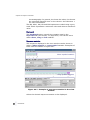
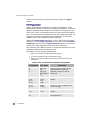
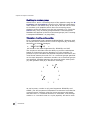
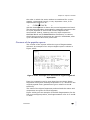
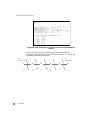
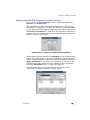
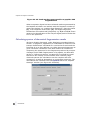
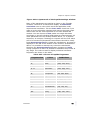
Displays can be copied from one place to another within the same
window. Select the display to be copied, then press and hold
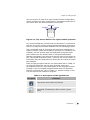
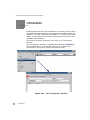
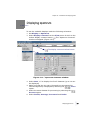
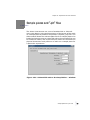
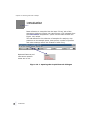
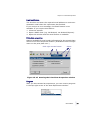
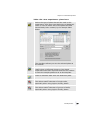
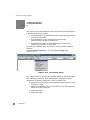
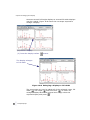
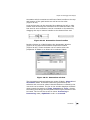
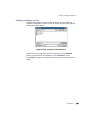
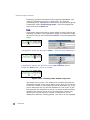
down the mouse SELECT button on the Display toolbar "copy
display" button
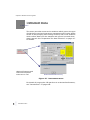
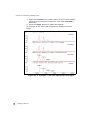
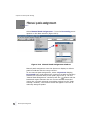
. The mouse pointer will change into a copy
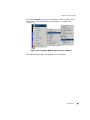
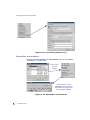
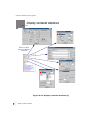
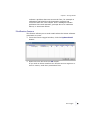
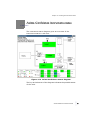
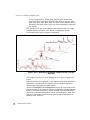
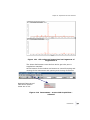
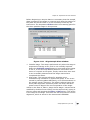
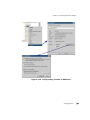
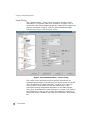
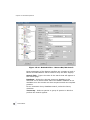
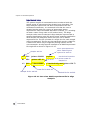
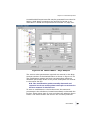
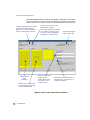
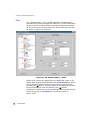
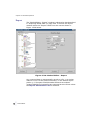
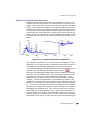
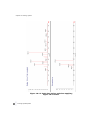
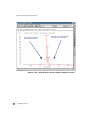
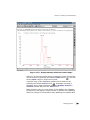
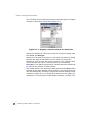
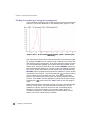
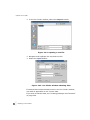
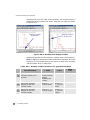
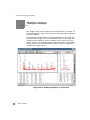
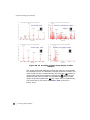
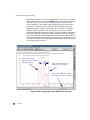
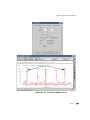
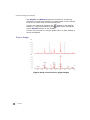
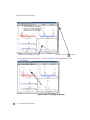
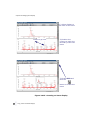
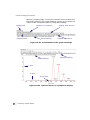
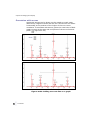
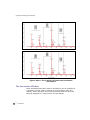
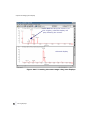
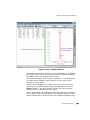
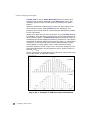
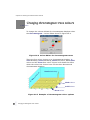
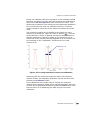
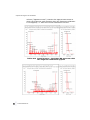
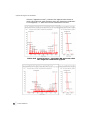
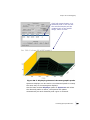
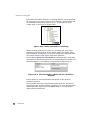
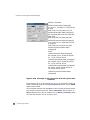
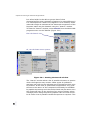
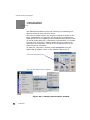
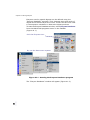
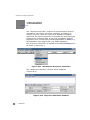
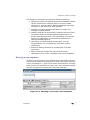
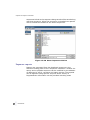
display pointer and an outline will appear around the selected
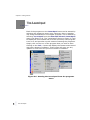
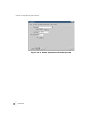
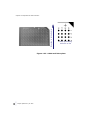
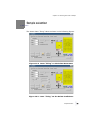
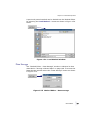
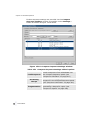
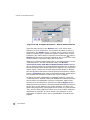
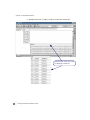
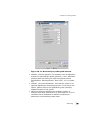
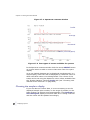
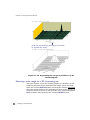
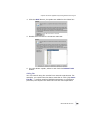
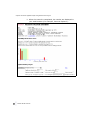
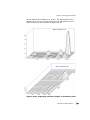
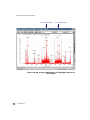
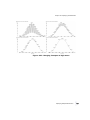
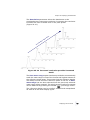
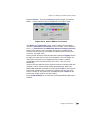
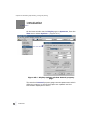
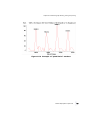
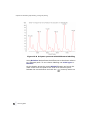
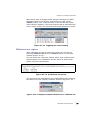
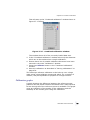
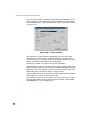
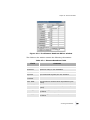
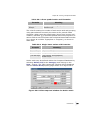
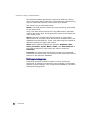
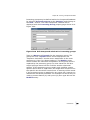
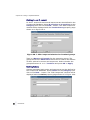
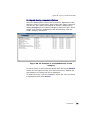
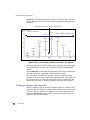
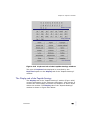
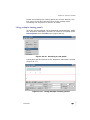
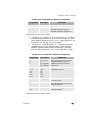
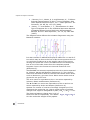
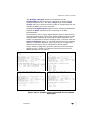
display (Figure 20.23). Still holding the mouse SELECT button
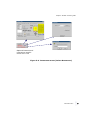
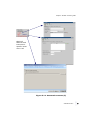
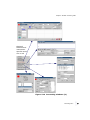
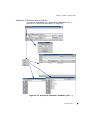
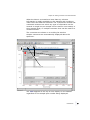
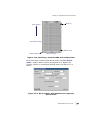
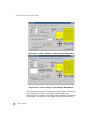
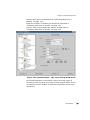
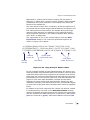
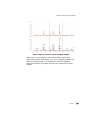
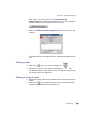
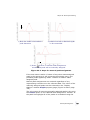
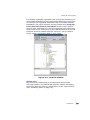
down, drag the outline of the selected display to its destination
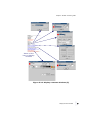
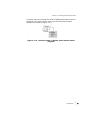
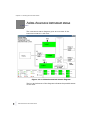
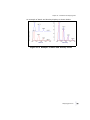
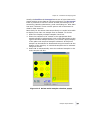
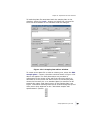
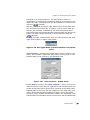
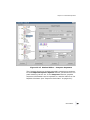
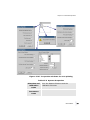
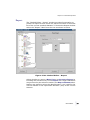
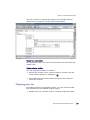
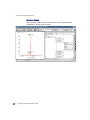
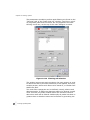
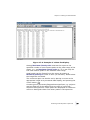
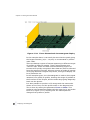
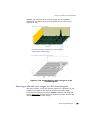
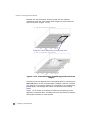
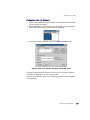
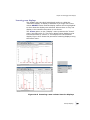
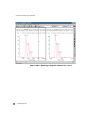
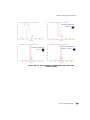
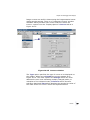
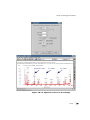
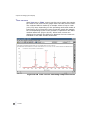
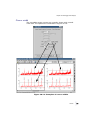
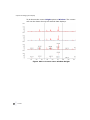
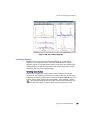
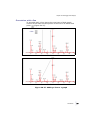
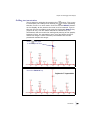
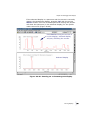
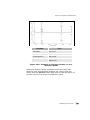
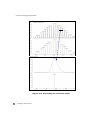
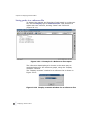
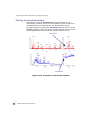
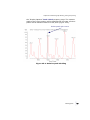
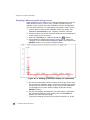
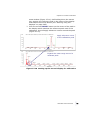
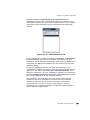
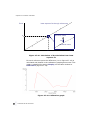
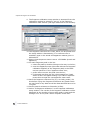
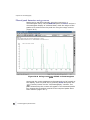
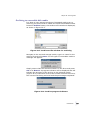
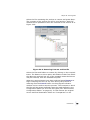
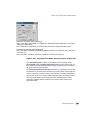
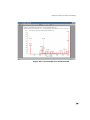
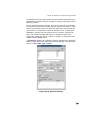
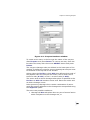
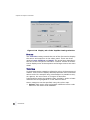
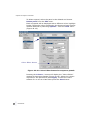
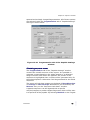
and release the mouse button. The selected display will be copied
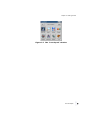
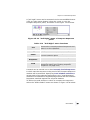
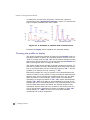
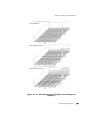
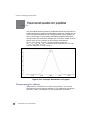
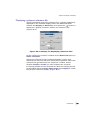
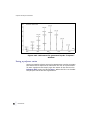
to the new location (Figure 20.24).
Copy, insert and delete displays
•
•
• 365
•
•
•