1
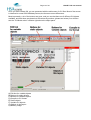
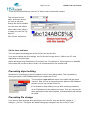
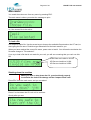
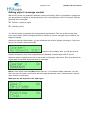
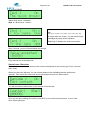
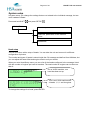
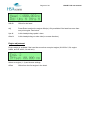
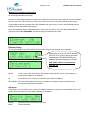
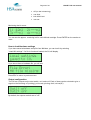
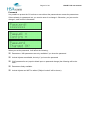
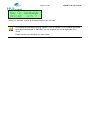
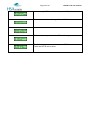
HSA Systems ApS Page 21 of 61 HSAJET-CU user manual Print function Activate the print function with the active. Use ESC to stop print mode. key. The red LED in the key will turn on if the print mode is During print you can adjust the start distance with the arrow keys 00000 Number of prints with this picture. Is reset when a new picture is loaded. 000.00 Start delay. You can adjust by using the arrow keys, ◄ , ►, ▲ or ▼. (decimals) mm Units for start delay (mm / inch) Prompts When the print mode is actived, there can be prompts set on one or more objects. Prompts is a way to ask the user to enter information that will be a part of the print, typically a best-before date or batch number. Prompts are shown with the object name and room for editing. It is possible to activate prompts for the following objects: Text (string). Max 80 characters. Date (input format chosen in OBJ INKdraw preferences) Time Counter (start value) Barcode (variable object inside). Editing is cancelled with ESC, which deletes what is written. ESC again will cancel print start. Navigation in prompts is done with the arrow keys. Use up/ down to jump a full screen if the text is longer than 16 characters.