1
Appendix A - Remote Monitoring (RMON)
General
The RMON utility enables software downloading as well as monitoring
and control of the communication performance between RPU/RPC’s and
affiliated SU’s. Performance is measured in terms of Word Error Rate
(WER), according to respective time slots. The RMON utility provides the
user with the means to perform troubleshooting.
Accessing RMON
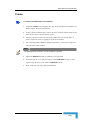
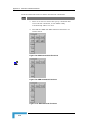
The RMON can run with or without the CraftMap. In the former case, to
access RMON press Alt+Tab (keyboard shortcut) to cycle through active
applications. When the RMON application is indicated, release the Tab
button to activate RMON. Use Alt+Tab to toggle between CMAP8000 and
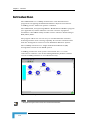
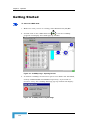
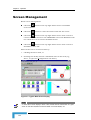
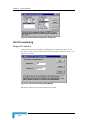
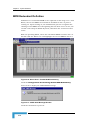
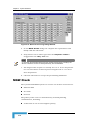
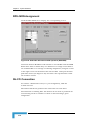
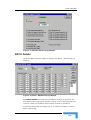
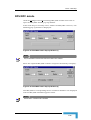
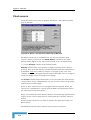
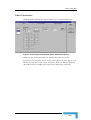
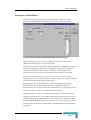
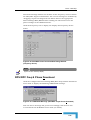
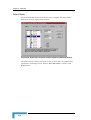
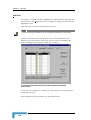
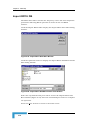
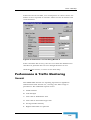
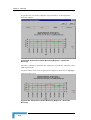
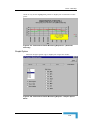
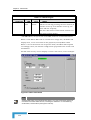
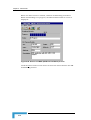
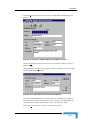
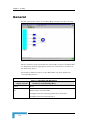
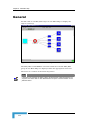
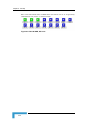
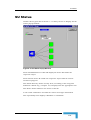
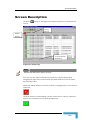
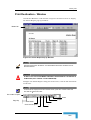
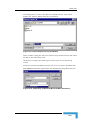
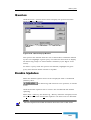
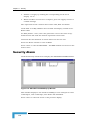
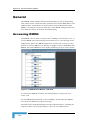
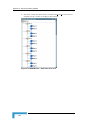
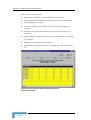
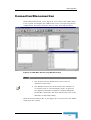
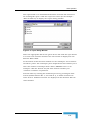
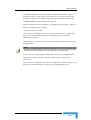
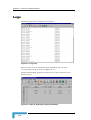
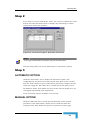
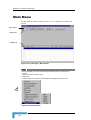
RMON. The initial RMON screen display following setup is shown below:
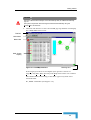
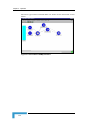
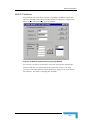
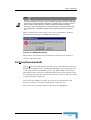
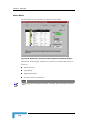
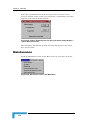
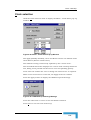
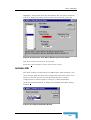
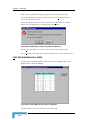
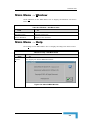
Figure A-1: MGW Remote Monitor - DNI View
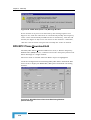
In subsequent RMON sessions, the initial display is always the last
active view.
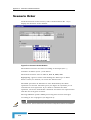
To run RMON independently of the CraftMap, double-click the RMON
icon from the Windows program manager.
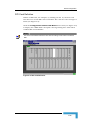
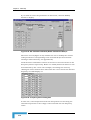
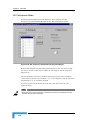
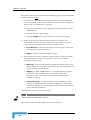
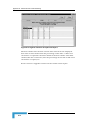
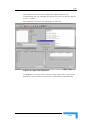
The DNI view is initially displayed in fully expanded mode, showing the
respective SU’s and corresponding CO port for each DNI branch.
CMAP 8000 Installation & Maintenance
A-2