1
Chapter 6 - RPCU Shelf
Help
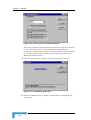
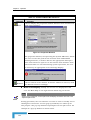
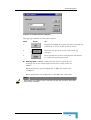
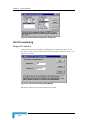
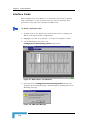
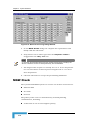
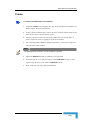
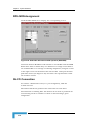
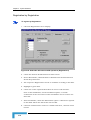
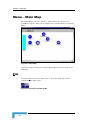
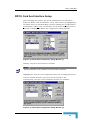
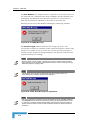
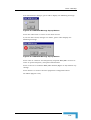
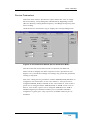
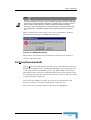
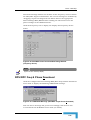
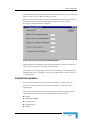
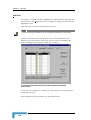
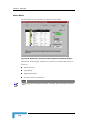
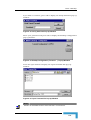
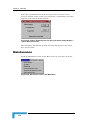
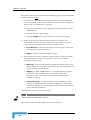
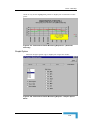
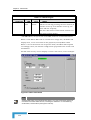
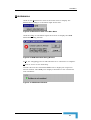
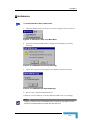
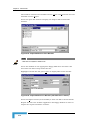
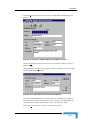
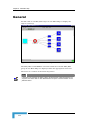
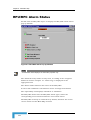
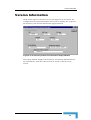
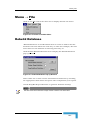
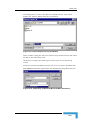
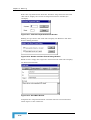
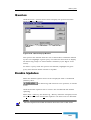
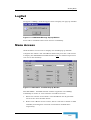
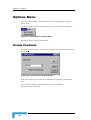
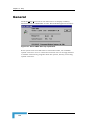
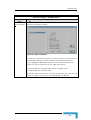
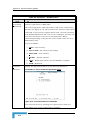
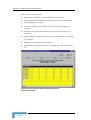
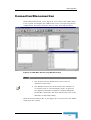
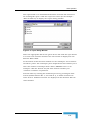
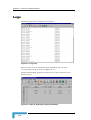
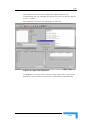
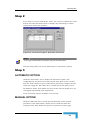
Click the Help/About item in the main menu to display summary
information about CMAP8000 and the Network Management Interface:
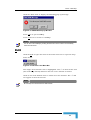
Figure 6-11: About CraftMap Pop-up Window
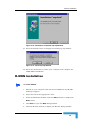
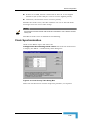
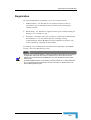
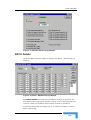
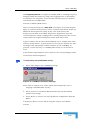
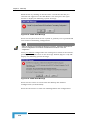
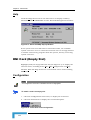
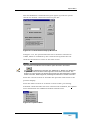
If the system resources fall below a threshold of 30%, the available
system resources are at a critical level and the user is strongly advised
to unload unnecessary programs from the system, thereby recovering
system resources.
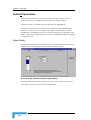
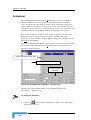
DNI Card (Empty Slot)
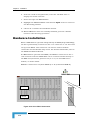
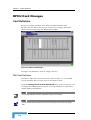
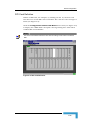
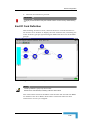
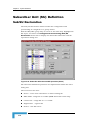
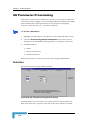
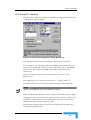
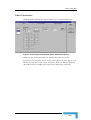
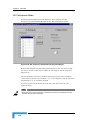
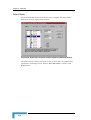
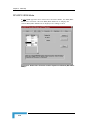
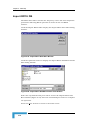
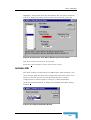
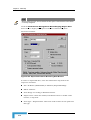
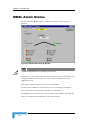
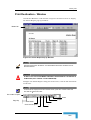
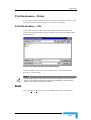
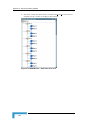
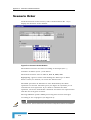
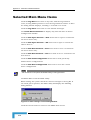
Highlight (click) an empty DNI card slot (see Figure 6-1) to display the
relevant menu, including items: File, Edit, Configuration and Help.
The File, Edit and Help menus are as described above under heading
MPM Card.
Configuration
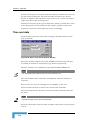
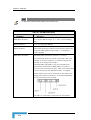
NOTE
The Configuration menu item is disabled until a slot is highlighted.
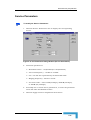
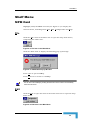
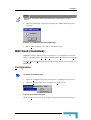
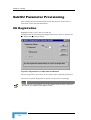
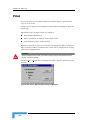
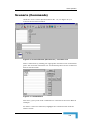
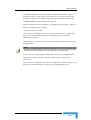
To install a card in an empty slot:
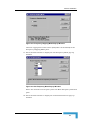
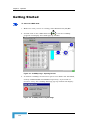
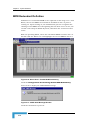
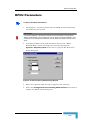
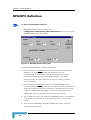
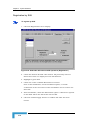
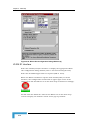
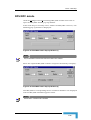
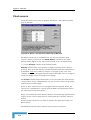
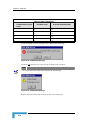
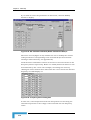
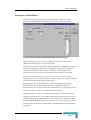
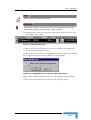
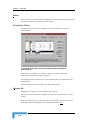
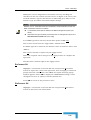
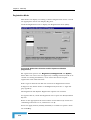
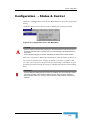
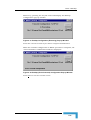
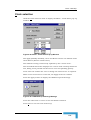
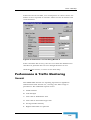
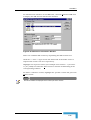
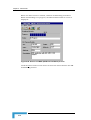
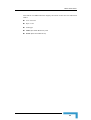
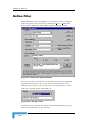
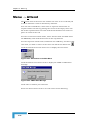
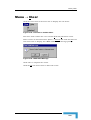
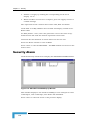
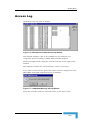
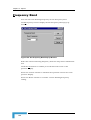
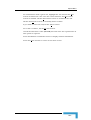
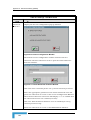
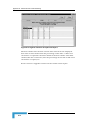
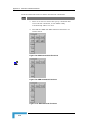
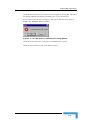
1. Click the Configuration menu item, to display the sub menu.
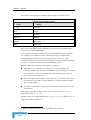
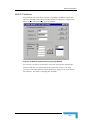
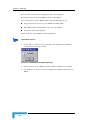
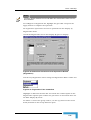
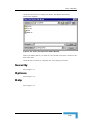
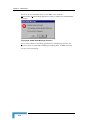
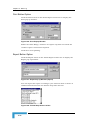
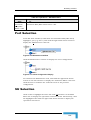
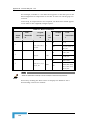
2. Click the Install item to display the card install option:
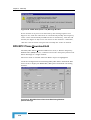
Figure 6-12: Install Item Under Configuration
CMAP 8000 Installation & Maintenance
6-8