1
BURGERS & FRIES
(TIPS N TRICKS)
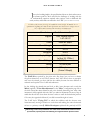
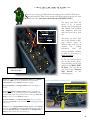
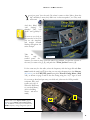
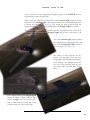
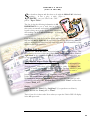
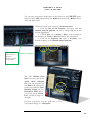
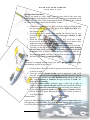
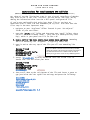
You can also assign preset frequencies to the selector on the UHF/IFF panel.
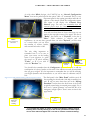
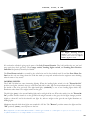
When you press shift +2 and call up the ACM panel, click on the “Radio” button
in the top right corner.
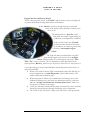
Then follow these steps to preset a channel selection:
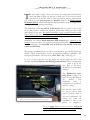
1. Click the box of the frequency associated with the
channel selection position you wish to change, (A), and it will
become highlighted.
2. Click the plus, (+), or minus, (-), (B), to make a change to
the frequency in course or fine increments in the selected box.
3. Click on the frequency box again to set/enter your
desired frequency to the channel number selection.
A
B
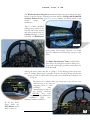
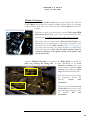
The ACM Radio
panel references
the preset
frequency selector
in the cockpit.
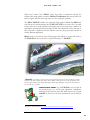
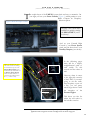
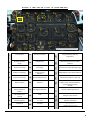
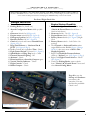
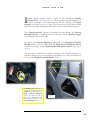
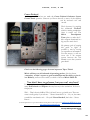
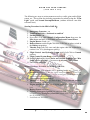
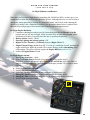
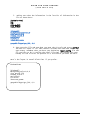
The final ‘Hidden Click
Spot’ is meant to pull up the
‘quick check reference
list’, (can also be pulled up
with Shift + 3), and can be
found just under the Fuel
Quantity Gauge on the
Instrument Panel where
you see the words “Check
List”, (circled in image on
the right).
Just place your mouse over the words and you’ll see
your pointer change to a ‘click point’.
17