1
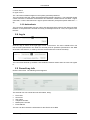
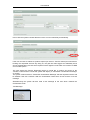
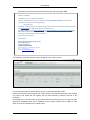
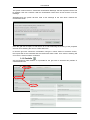
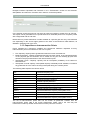
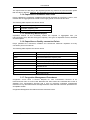
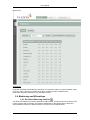
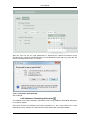
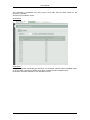
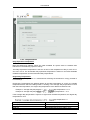
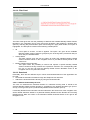
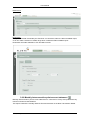
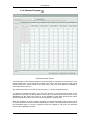
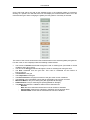
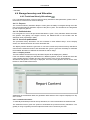
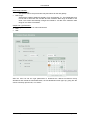
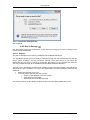
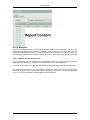
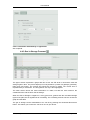
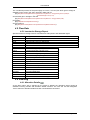
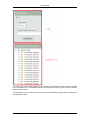
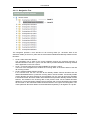
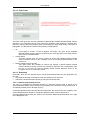
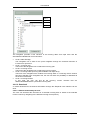
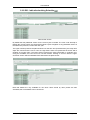
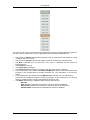
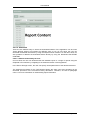
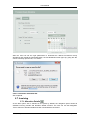
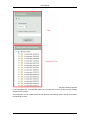
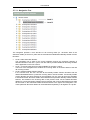
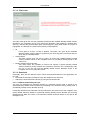
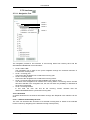
User Manual After the user has set the right parameters to download the desired Provisional Hourly Allocations and clicked the Download button, the File Download screen pops up, giving him the choice to directly open the file, or to save it. 5.6.4.2.3 Automatic download URL See chapter 6. 5.7 Invoicing 5.7.1 Allocation Details As the filter option “All” is selected on the panel by default, the navigation panel shows all available invoicing months and allocation details versions. The user can use the Navigation Tree to select an allocation detail and view or download the document. 2015, Fluxys LNG Terminalling ● 104