1
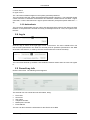
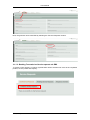
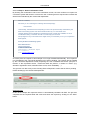
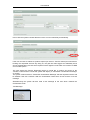
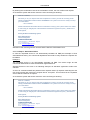
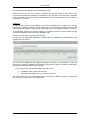
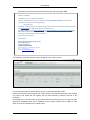
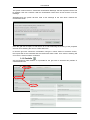
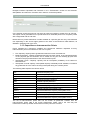
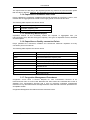
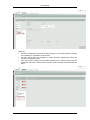
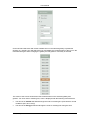
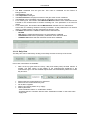
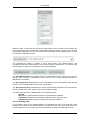
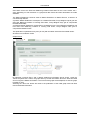
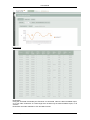
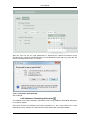
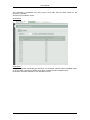
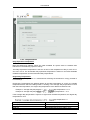
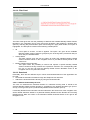
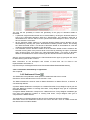
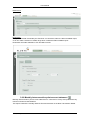
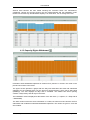
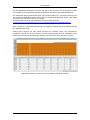
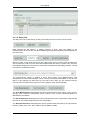
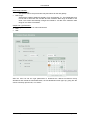
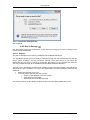
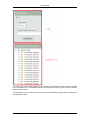
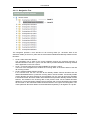
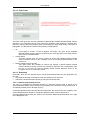
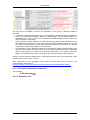
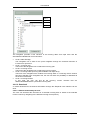
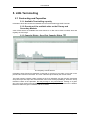
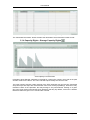
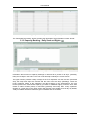
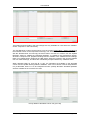
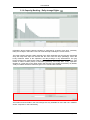
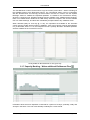
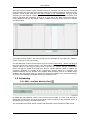
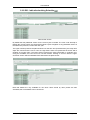
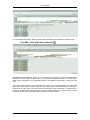
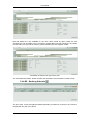
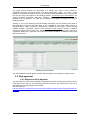
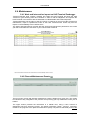
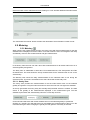
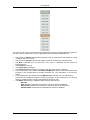
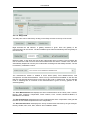
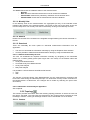
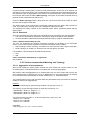
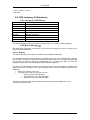
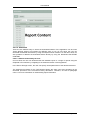
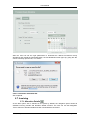
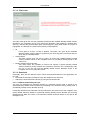
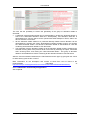
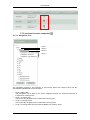
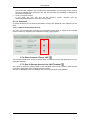
User Manual The user has the possibility to choose the granularity of the group of allocation details to download: A particular single allocation detail can be downloaded by clicking the download button in front of the associated allocation detail line. Subsequently, this allocation detail file is downloaded as a CSV file which can be opened with either Notepad or Excel, and/or can also be saved to a local drive. All the allocation details related to a particular Monthly Details Version Number can be downloaded by selecting the option “Download this Monthly Details Version” and clicking the “Start Download” button. This bundle of allocation details is downloaded as a ZIP file containing all the allocation details in CSV file format. The download of all the allocation details of all the allocation details versions related to the selected invoicing date of the previous level is executed by selecting the option “Download entire Invoicing Date”, and clicking the “Start Download Button”. This group of allocation details is downloaded as a ZIP file containing all the allocation details in CSV file format. After the user has initiated a download, the File Download screen pops up giving him the choice to either directly open the file or save it. More information on the description and content of these files can be found in the Implementation Information at http://www.fluxys.com/belgium/en/Services/Transmission/BeluxStarterKit/BeluxModel_ 5.7.1.3.2 Automatic download by an application See chapter 6. 2015, Fluxys LNG Terminalling ● 108