1
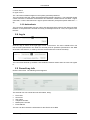
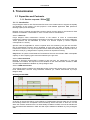
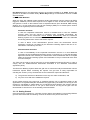
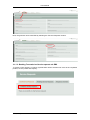
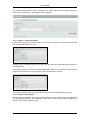
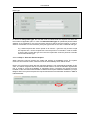
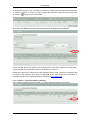
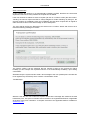
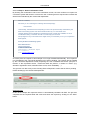
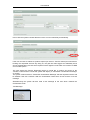
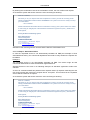
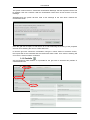
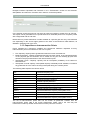
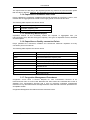
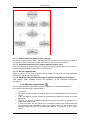
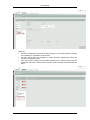
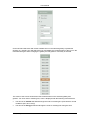
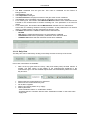
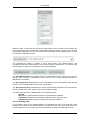
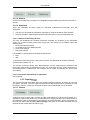
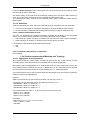
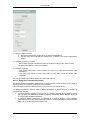
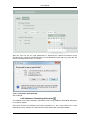
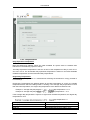
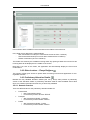
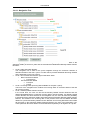
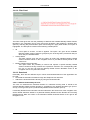
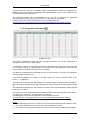
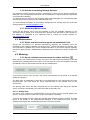
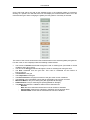
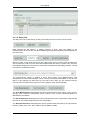
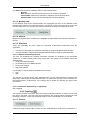
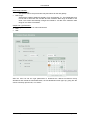
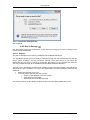
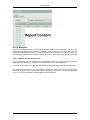
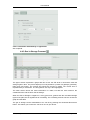
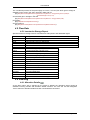
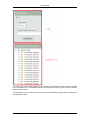
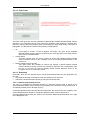
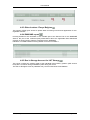
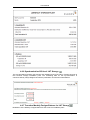
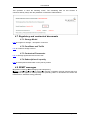
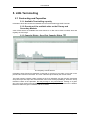
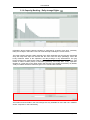
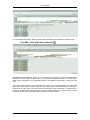
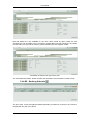
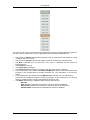
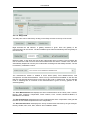
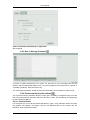
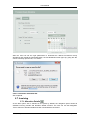
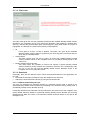
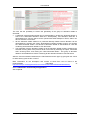
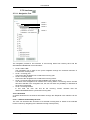
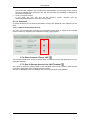
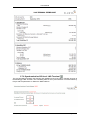
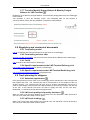
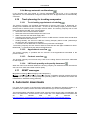
User Manual Date range selection: Last available report This option returns the provisional hourly allocations for the last gasday. Date range: Select all the gasdays starting at gasday ‘From’ until gasday ‘To’. The FROM date may not be later in time than the TO date and the maximum date range is limited to one week. The screen automatically changes the FROM or TO date if the maximum date range of one week is exceeded. Output File Type Selection: Three file types are available for manual download: CSV XML After the user has set the right parameters to download the desired Provisional Hourly Allocations and clicked the Download button, the File Download screen pops up, giving him the choice to directly open the file, or to save it. 2015, Fluxys Storage ● 69