1
EzCad2UNI User’s Manual
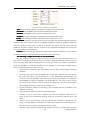
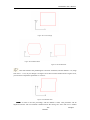
than the designed one, users can raise this parameter; if the trim size is bigger than the designed
one, users can lower this parameter.
Note
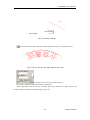
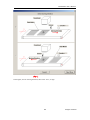
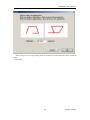
Note:: If there are some distortions with the Laser scanner (gavlo), users should firstly adjust
the distortions and then the flex percentage.
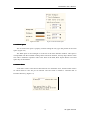
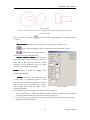
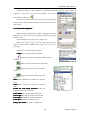
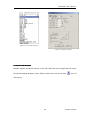
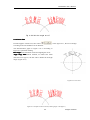
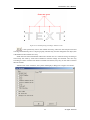
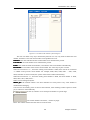
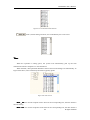
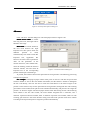
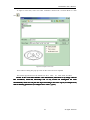
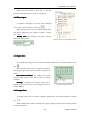
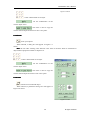
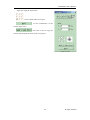
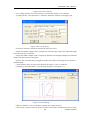
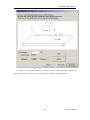
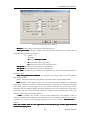
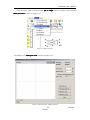
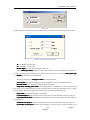
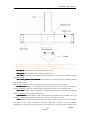
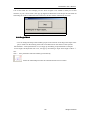
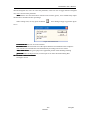
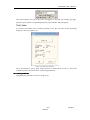
When setting scale, we may press the button
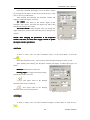
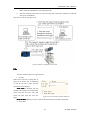
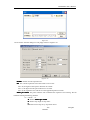
,and a dialog will pop up just like figure
10-23.
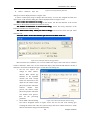
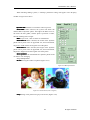
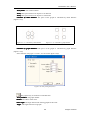
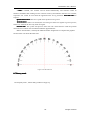
Figure 10-23 Set the scale
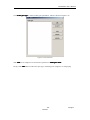
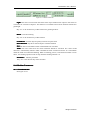
Goal mark size: the size set in the software.
Real mark size: the measured size of the object that have been marked on the workpiece.
The software will calculate the scale automatically according to these two values.
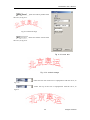
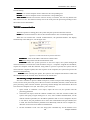
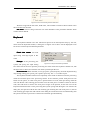
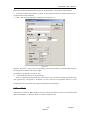
After mark Go to: The gavlo jump to the appointed position when finishing marking
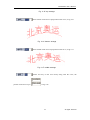
password: after set the password ,we must input it can enter the Param Dialog Box.
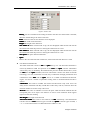
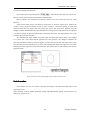
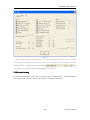
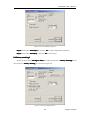
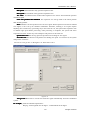
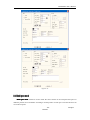
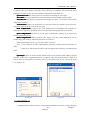
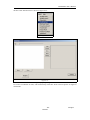
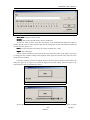
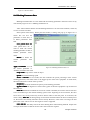
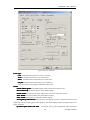
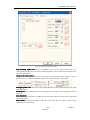
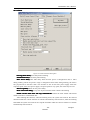
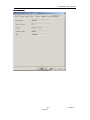
10.4.2 Laser Control Parameter
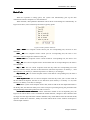
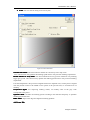
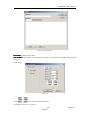
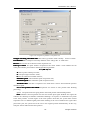
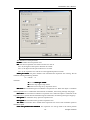
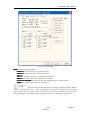
See Figure 10-24:
140
reserved
All rights