1
Contents
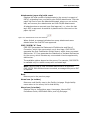
Introduction ................................................................................. 7
About this Procedures Guide .............................................................
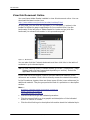
View this Document Online...............................................................
View a Printed Copy of this Document................................................
Conventions ...................................................................................
7
8
9
9
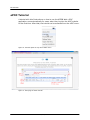
ePOC Tutorial .................................................................................. 10
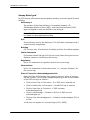
Accessibility Features...................................................................... 11
In this Guide ................................................................................ 11
In ASPEN Web: ePOC .................................................................... 11
ASPEN Web: ePOC Procedures.................................................... 13
Core ePOC Process .......................................................................... 14
Accessing ASPEN Web: ePOC........................................................... 14
ASPEN Web: ePOC Basics ................................................................
View the Facility List ......................................................................
Filter the Facility List ................................................................
Navigate the Facility List ...........................................................
View the Survey List......................................................................
Filter the Survey List ................................................................
Navigate the Survey List ...........................................................
View Survey Detail ........................................................................
Compose a Plan of Correction .........................................................
Enter POC Text ........................................................................
Timing Out ..............................................................................
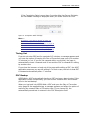
POC Backup ............................................................................
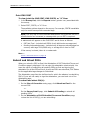
Print CMS-2567 .......................................................................
Submit and Attest POCs .................................................................
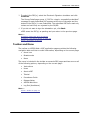
Toolbar and Menu..........................................................................
Return to “Home” page .............................................................
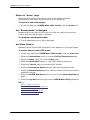
Use “Breadcrumbs” to Navigate .................................................
Use Menu Options ....................................................................
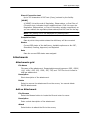
Optional ePOC Items .....................................................................
Survey Letters .........................................................................
Attachments............................................................................
15
15
15
16
16
17
17
18
19
20
21
21
22
22
23
24
24
24
25
25
26
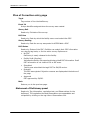
ePOC Special Cases ......................................................................... 27
A-level and PNC tags ..................................................................... 27
Waived tags ................................................................................. 28
Procedures Guide
7/17/15
3