1
ASPEN Web: ePOC Keyboard Shortcuts
ASPEN Web: ePOC Keyboard Shortcuts
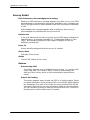
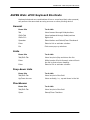
Keyboard shortcuts are combinations of two or more keys that, when pressed,
can perform the same task as using a mouse or other pointing device.
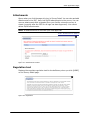
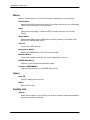
General
Press this
To do this
Tab
Move forward through fields/sections
Shift+Tab
Move backward through fields/sections
Shift+F10
Right-click
Spacebar
Select button and Select/Clear Checkmark
Enter
Select a link or activate a button
Esc
Exits some pop-up windows
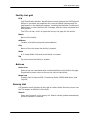
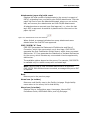
Grids
Press this
To do this
Tab/Shift Tab
Move into/out of/up and down the list.
Enter
While header of list is focused, enter will sort
the list by that column heading
Enter
Select a link or activate a button
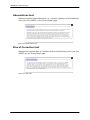
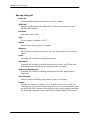
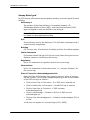
Drop-down Lists
Press this
To do this
Tab/Shift Tab
Move into/out of the field
Up/Down Arrows
Move vertically, i.e., up and down in the list
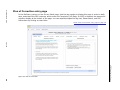
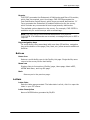
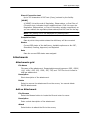
Checkboxes
Press this
To do this
Tab/Shift Tab
Move into/out of the field
Space
Select/Clear Checkbox
Procedures Guide
7/17/15
73