1
10
PREMIERE 6: Instructor Manual
7.
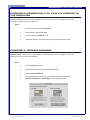
Set device to your camera type
8.
Click OK to save settings
9.
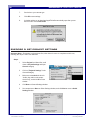
A window asking you to deactivate AppleTalk will automatically open after you set
device control. Press Deactivate
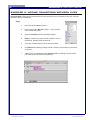
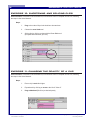
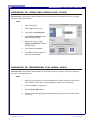
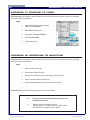
EXERCISE 5: SET PROJECT SETTINGS
Instructor Note: Remember to demonstrate first, then allow the users to complete on their own,
following the steps in their User Manuals.
Steps:
1.
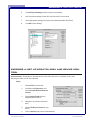
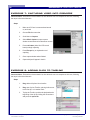
Select Project from Menu Bar, scroll
down to Project Settings and open
General category
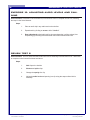
2.
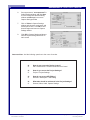
Click on “Playback Settings” in the
General Category
3.
Make sure to uncheck the box for
“Audio, play audio on the output
device only”, and click OK to close
window
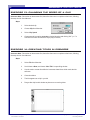
4.
Click Next on General Settings window
5.
Set compressor to None on Video Settings window, and click Next to move to Audio
Settings window
File name: Premiere6_Instructor.pmd
Last modified: 05/20/02
Copyright Arizona Board of Regents, 2002
University of Arizona