1
13
PREMIERE 6: Instructor Manual
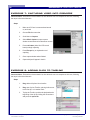
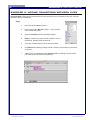
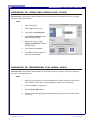
EXERCISE 7: CAPTURING VIDEO INTO PREMIERE
Instructor Note: Remember to demonstrate first, then allow the users to complete on their own, following
the steps in their User Manuals.
Steps:
1.
Make sure DV Cam is connected and turned
on, and cued
2.
Choose File from menu bar
3.
Scroll down to Capture
4.
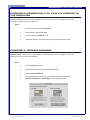
Select Movie Capture to open capture
window control camera from buttons on screen
5.
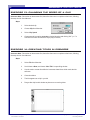
Press red button (looks like VCR record
button) to begin capturing
6.
Press Escape key on keyboard to end
capturing
7.
Close capture window when finished
8.
Captured clips will appear in the bin
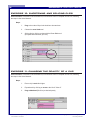
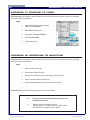
EXERCISE 8: ADDING CLIPS TO TIMELINE
Instructor Note: Remember to demonstrate first, then allow the users to complete on their own, following
the steps in their User Manuals.
Steps:
1.
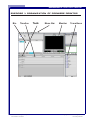
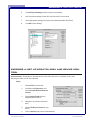
Drag desired clip from bin to timeline
2.
Drag next clip into Timeline, placing it either next
to the first clip, or in another track
3.
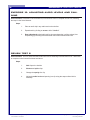
To play the Timeline, position the playhead at the
beginning of the clip by clicking the mouse there
and press the space bar
File name: Premiere6_Instructor.pmd
Last modified: 05/20/02
Copyright Arizona Board of Regents, 2002
University of Arizona