1
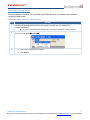
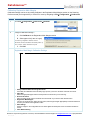
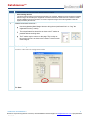
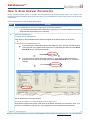
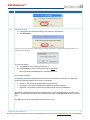
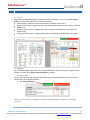
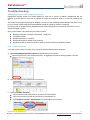
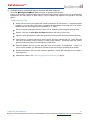
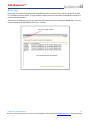
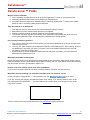
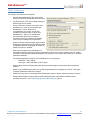
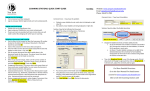
DataScanner™ Select the Scanning Source Once the software is installed, you must select the TWAIN driver as your scanning source before configuring DataScanner. Follow these steps to select your scanning source: STEP ACTION 1 Double-click the DataScanner Icon on your desktop and login with your DataDirector username/password. If you are associated with multiple sites, you may be prompted to select your site 2 From the menu SelectScanner 3 A. Select the TWAIN driver from the list B. Click Select. DataScanner for DataDirector™ 7 Questions? If you have any questions or concerns, contact DataDirector Customer Support at [email protected] or (877)993-2633. Rev 1/3/12