1
Adept_2.10_Installation_steps_USC.fm
2.4
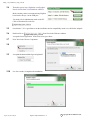
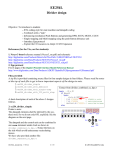
That takes you to http://digilentinc.com/Products/
Detail.cfm?NavPath=2,66,828&Prod=ADEPT2
Make sure that you have not connected any Digilent
board such as Nexys-2 to the USB port.
You need to be in administrator mode on the PC.
Click on Download. Save the file
2.5
On windows 7, it is a good idea to run the installation tool in compatibility mode as we did for the webpack.
2.6
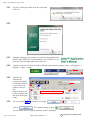
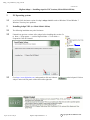
Double-click on
.Press Next in the Welcome window.
Accept the license agreement. In the next screen, press Next.
2.7
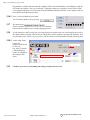
Press Next in the Choose Components.
2.8
2.9
Accept the destination folder by pressing Install.
2.10
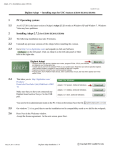
In a few seconds, it completes the installation.
August 19, 2012 9:40 pm
Digilent Adept Installation 2 / 4
C Copyright 2011 Gandhi Puvvada