1
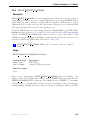
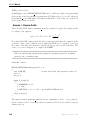
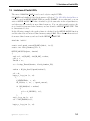
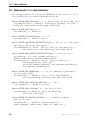
3.4 Vector and Dimension Macros
3.4
Vector and Dimension Macros
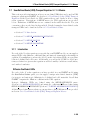
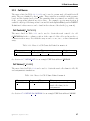
Fluent Inc. has provided you with some utilities that you can use in your UDFs to access
or manipulate vector quantities in FLUENT and deal with two and three dimensions.
These utilities are implemented as macros in the code.
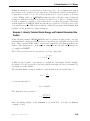
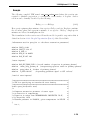
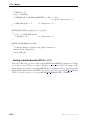
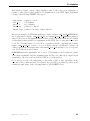
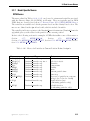
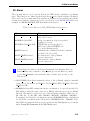
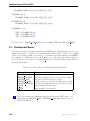
There is a naming convention for vector utility macros. V denotes a vector, S denotes a
scalar, and D denotes a sequence of three vector components of which the third is always
ignored for a two-dimensional calculation. The standard order of operations convention of
parentheses, exponents, multiplication, division, addition, and subtraction (PEMDAS)
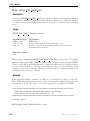
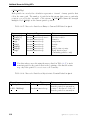
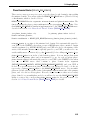
is not followed in vector functions. Instead, the underscore ( ) sign is used to group
operands into pairs, so that operations are performed on the elements of pairs before
they are performed on groups.
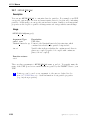
i
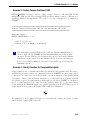
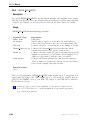
Note that all of the vector utilities in this section have been designed to
work correctly in 2D and 3D. Consequently, you don’t need to do any
testing to determine this in your UDF.
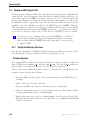
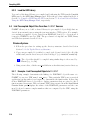
3.4.1 Macros for Dealing with Two and Three Dimensions
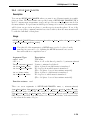
There are two ways that you can deal with expressions involving two and three dimensions
in your UDF. The first is to use an explicit method to direct the compiler to compile
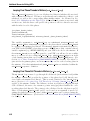
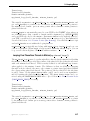
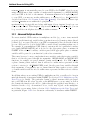
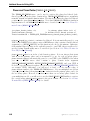
separate sections of the code for 2D and 3D, respectively. This is done using RP 2D and
RP 3D in conditional-if statements. The second method allows you to include general 3D
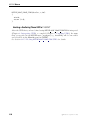
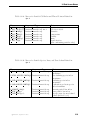
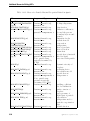
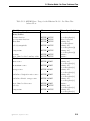
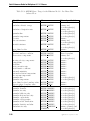
expressions in your UDF, and use ND and NV macros that will remove the z-components
when compiling with RP 2D. NV macros operate on vectors while ND macros operate on
separate components.
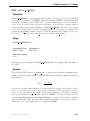
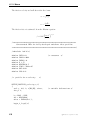
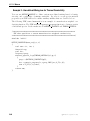
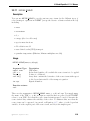
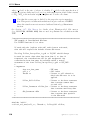
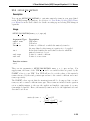
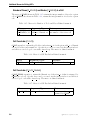
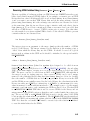
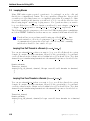
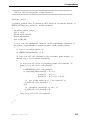
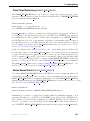
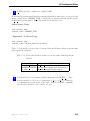
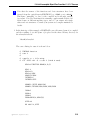
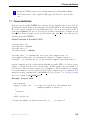
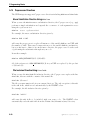
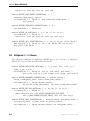
RP 2D and RP 3D
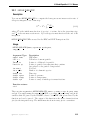
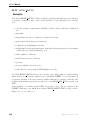
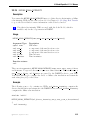
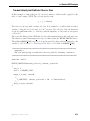
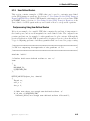
The use of a RP 2D and RP 3D macro in a conditional-if statement will direct the compiler
to compile separate sections of the code for 2D and 3D, respectively. For example, if you
want to direct the compiler to compute swirl terms for the 3D version of FLUENT only,
then you would use the following conditional compile statement in your UDF:
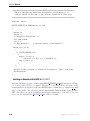
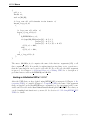
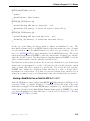
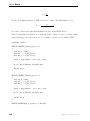
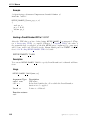
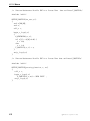
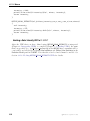
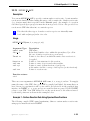
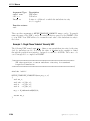
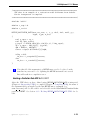
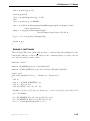
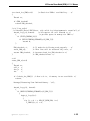
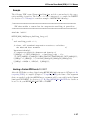
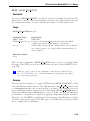
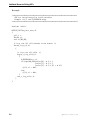
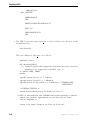
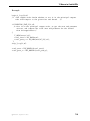
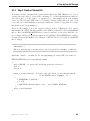
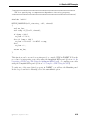
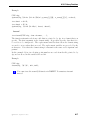
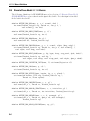
#if RP_3D
/* compute swirl terms */
#endif
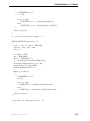
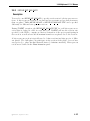
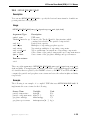
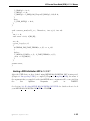
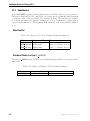
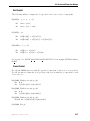
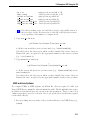
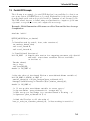
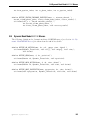
3.4.2
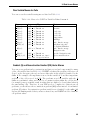
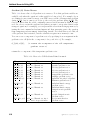
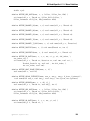
The ND Macros
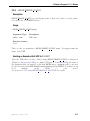
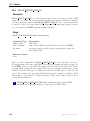
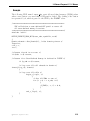
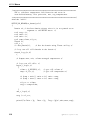
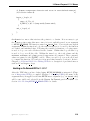
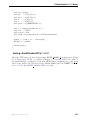
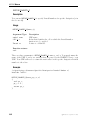
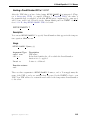
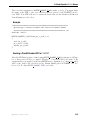
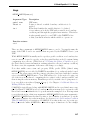
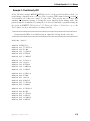
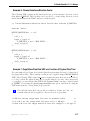
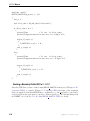
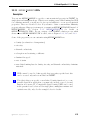
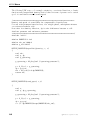
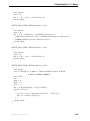
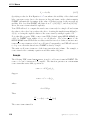
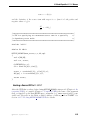
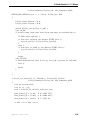
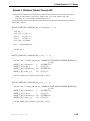
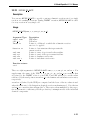
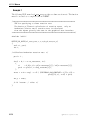
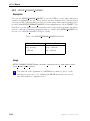
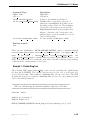
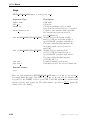
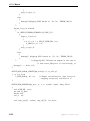
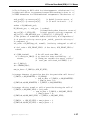
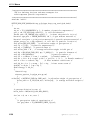
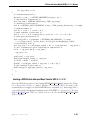
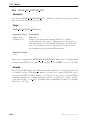
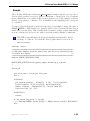
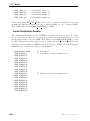
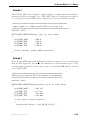
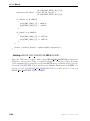
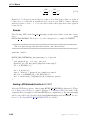
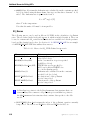
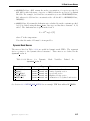
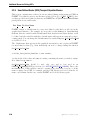
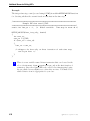
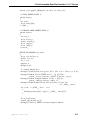
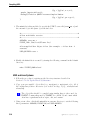
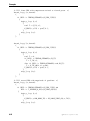
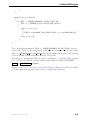
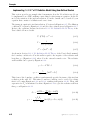
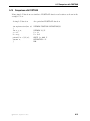
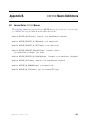
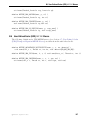
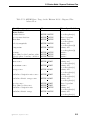
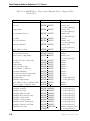
The use of ND macros in a UDF allows you to include general 3D expressions in your
code, and the ND macros take care of removing the z components of a vector when you
are compiling with RP 2D.
c Fluent Inc. September 11, 2006
3-63