1
Hooking UDFs to FLUENT
6.4.8
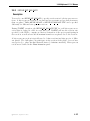
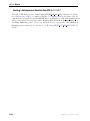
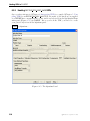
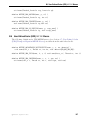
Hooking DEFINE DPM OUTPUT UDFs
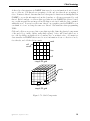
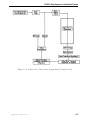
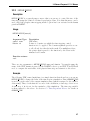
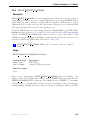
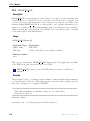
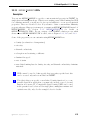
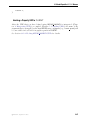
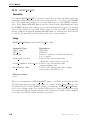
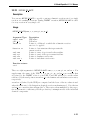
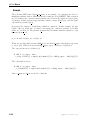
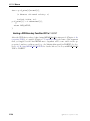
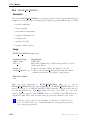
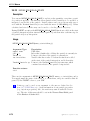
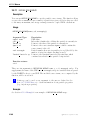
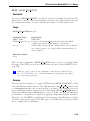
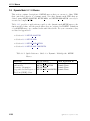
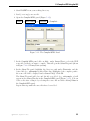
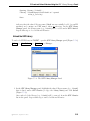
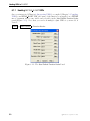
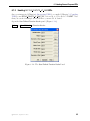
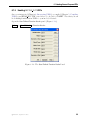
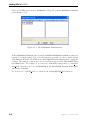
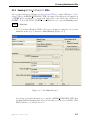
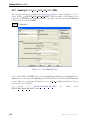
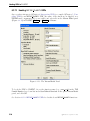
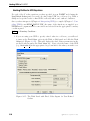
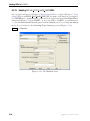
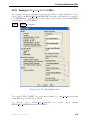
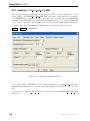
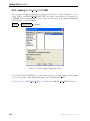
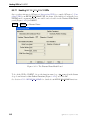
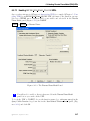
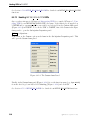
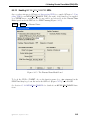
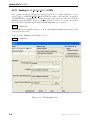
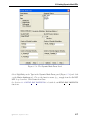
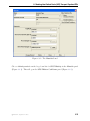
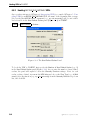
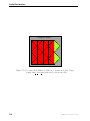
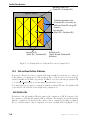
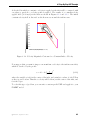
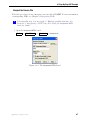
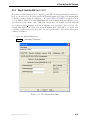
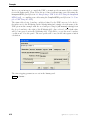
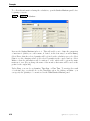
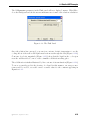
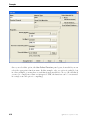
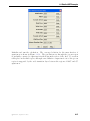
Once you have interpreted (Chapter 4: Interpreting UDFs) or compiled (Chapter 5: Compiling UDFs) your DEFINE DPM OUTPUT UDF, the name of the function you supplied as
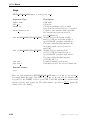
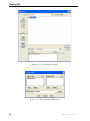
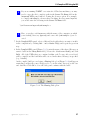
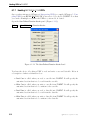
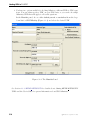
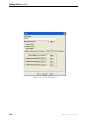
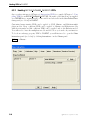
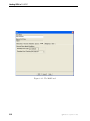
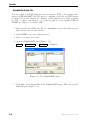
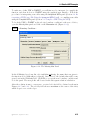
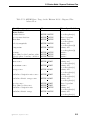
a DEFINE macro argument will become visible and selectable in the Sample Trajectories
panel (Figure 6.4.8) in FLUENT.
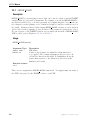
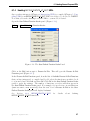
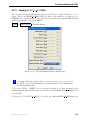
Report −→ Discrete Phase −→Sample...
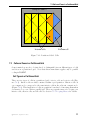
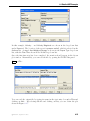
Figure 6.4.8: The Sample Trajectories Panel
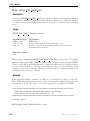
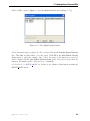
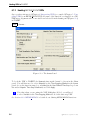
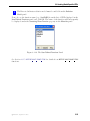
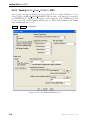
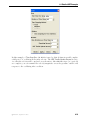
To hook the UDF to FLUENT, choose the function name (e.g., dpm output) in the Output
drop-down list under User-Defined Functions, and click Start and Close.
See Section 2.5.8: DEFINE DPM OUTPUT for details about DEFINE DPM OUTPUT functions.
6-62
c Fluent Inc. September 11, 2006