1
FSX PLAY - PLAY SCREEN
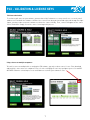
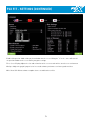
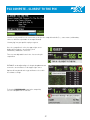
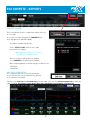
d. Analysis Window
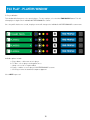
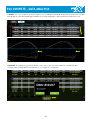
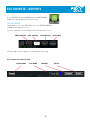
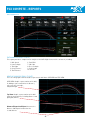
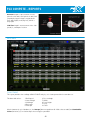
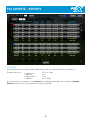
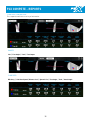
i. Includes the Video, Club, Ball, and Table Analysis windows (For more information about this feature, please see the “Data Analysis” section in this user manual)
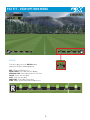
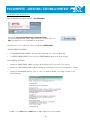
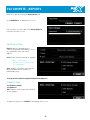
e. Settings Window
i. Languages
ii. Screen:
1. Windowed
2. Full Screen
3. Video Card Adapter
4. Output: Allows you
to select another display
5. Size: Indicating resolution
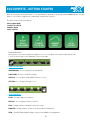
iii. Miscellaneous
1. Enable on-screen keyboard
2. Enable on-screen ball find
3. Kiosk Mode ( Password:1950)
4. Enable Video Preview
5. Three Screen Display
6. Min Spec
7. Write shots CSV
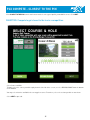
iv. After Shot
1. Zoom to overhead view: Allows player to see an overhead view before the next shot it taken.
v. Units of Measure
f. Exit
38