1
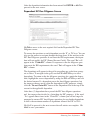
Filing Returns Electronically
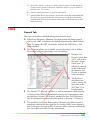
The software comes with an integrated electronic filing module for federal systems 990, 990PF, 1040, 1041, 1065, 1120, 1120S, 5500, and
Extensions. Many states can also be filed.
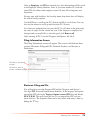
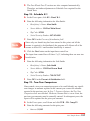
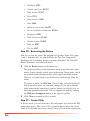
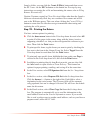
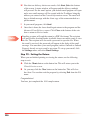
To file returns electronically, you must go through four basic steps: preparing
the return, transmitting the return, handling acknowledgments, and
correcting rejects, if required.
How to Become an E-File Participant
To participate in the e-file program, you must be an authorized e-file provider. This requires that you file federal Form 8633, Application to Participate
in the IRS and State e-file programs. Instructions can be found on the IRS
website at www.irs.gov.
Declaration Control Number (DCN)
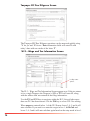
Most 1040 e-file returns are assigned a Declaration Control Number (DCN).
The DCN is used by the IRS for identification purposes. The number must
be unique for each return. The program will automatically assign the DCN
when the return is reviewed if the File Federal Return Electronically box is
checked. The DCN will print at the top of Form 8879. The DCN will be the
same for both the federal and state returns.
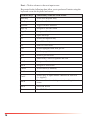
The DCN is divided into 3 parts: The first six digits are your EFIN, the
next three digits are the batch number, and the last two digits designate the
sequence of the return within the batch.
142